FOR VISUAL, INTUITIVE THINKERS

See the bigger picture.
Follow your own thread.

A photograph. An unfinished thought. A detail that doesn’t quite fit. Give them room on the same board. Bring them together, draw a thread, and see your story take shape.

Preparing for Windows

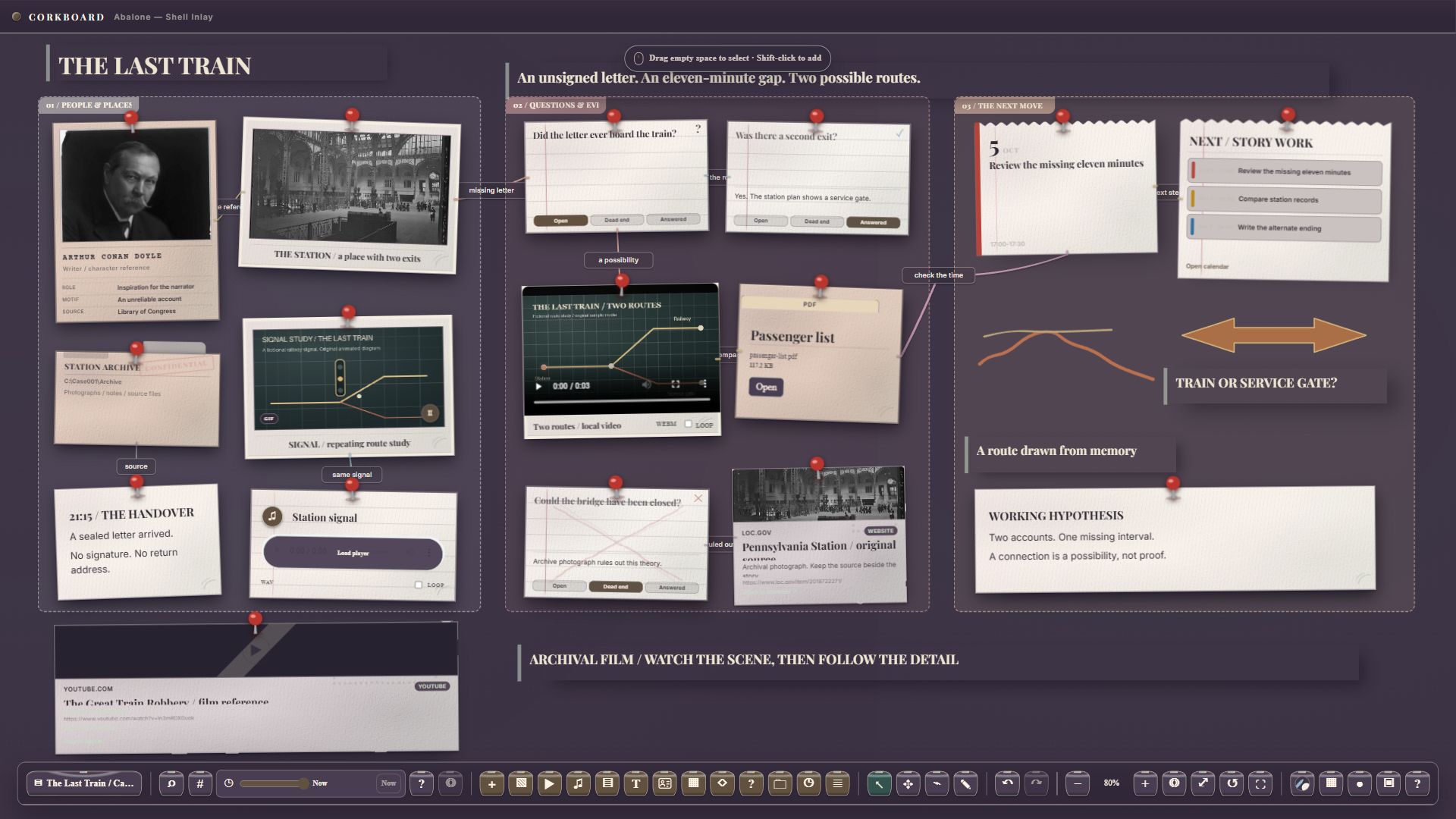
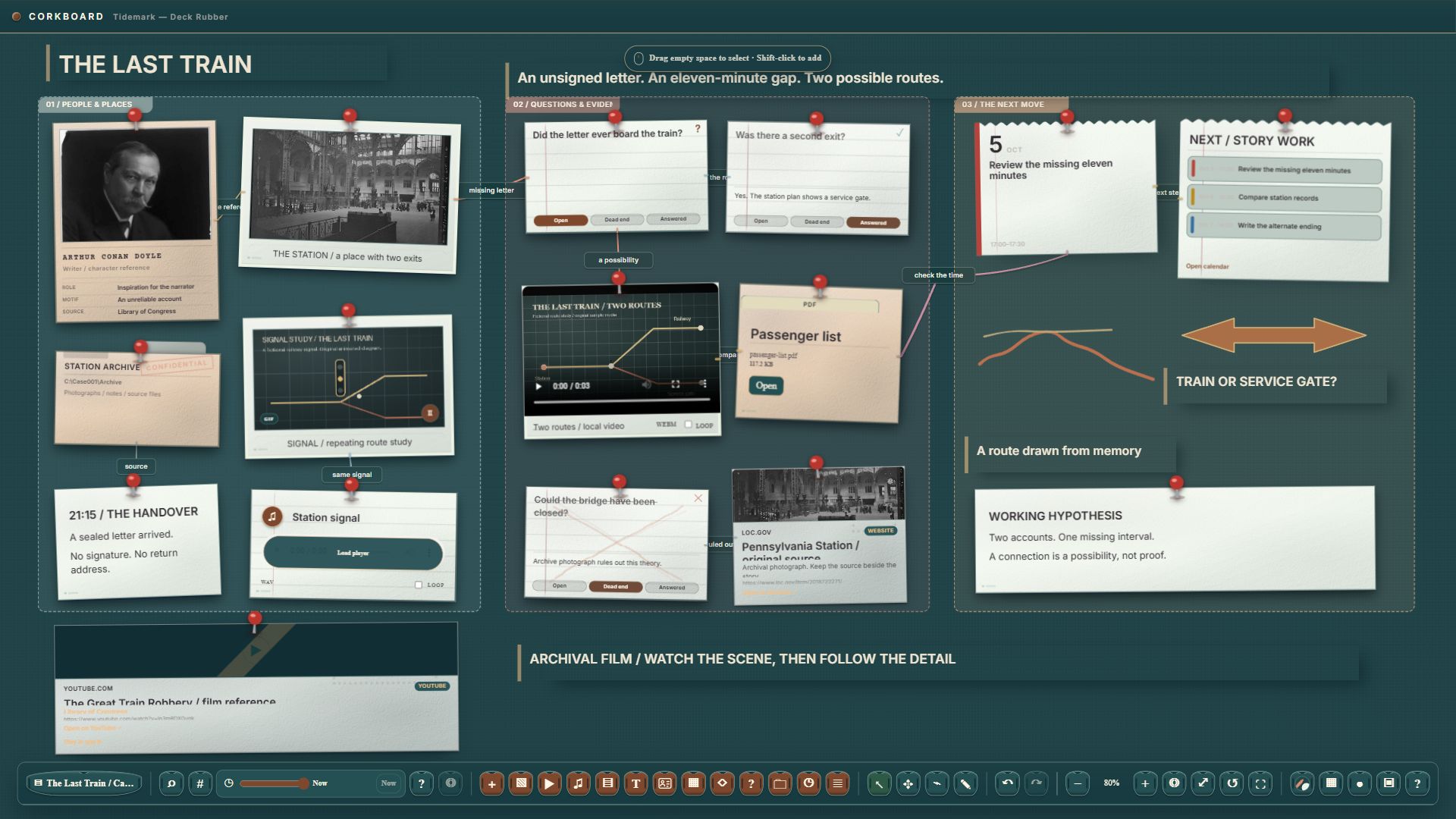
A fictional story board · The actual Corkboard interfaceView full size +
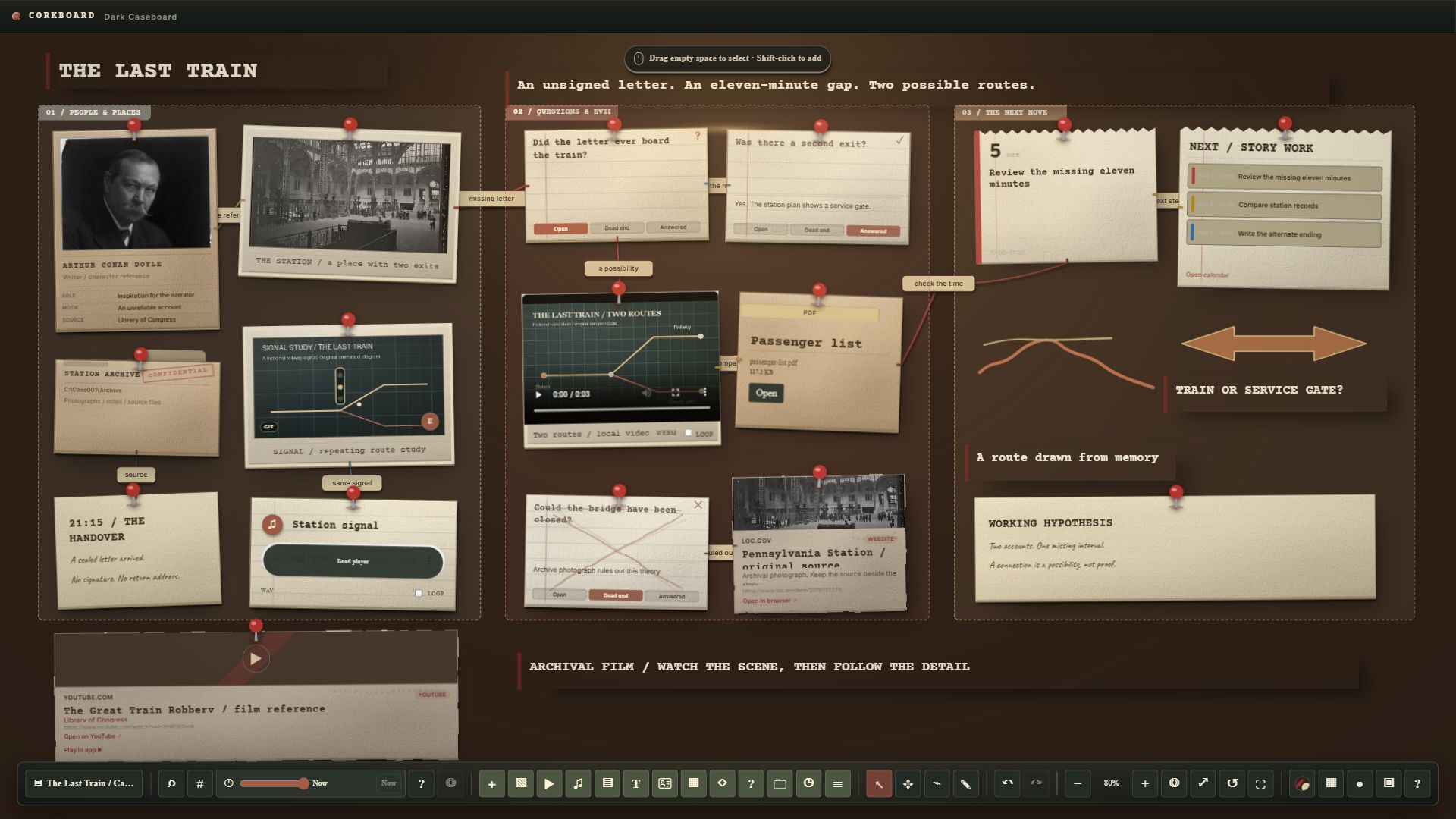
CASE 001 / THE LAST TRAINA fictional story board · The actual Corkboard interface

CORKBOARD / 001

Sometimes thinking means moving things around.

You put a card beside another photograph. Draw a thread. Two details that seemed unrelated suddenly belong to the same story.

GIVE THOUGHTS
A PLACE.

01 / THE CASE ON THE DESK

Every piece of a thought.

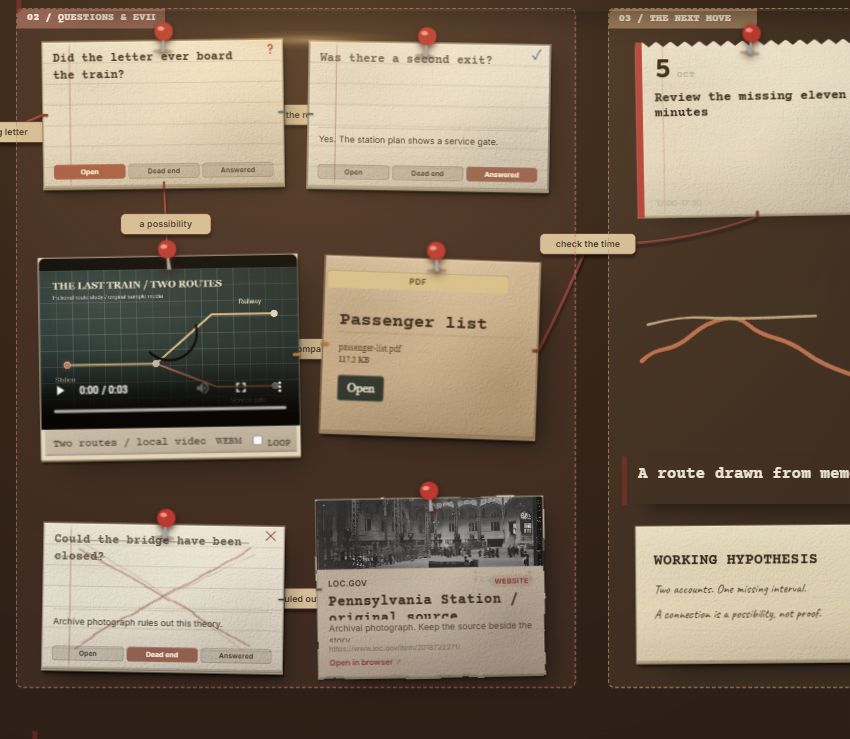
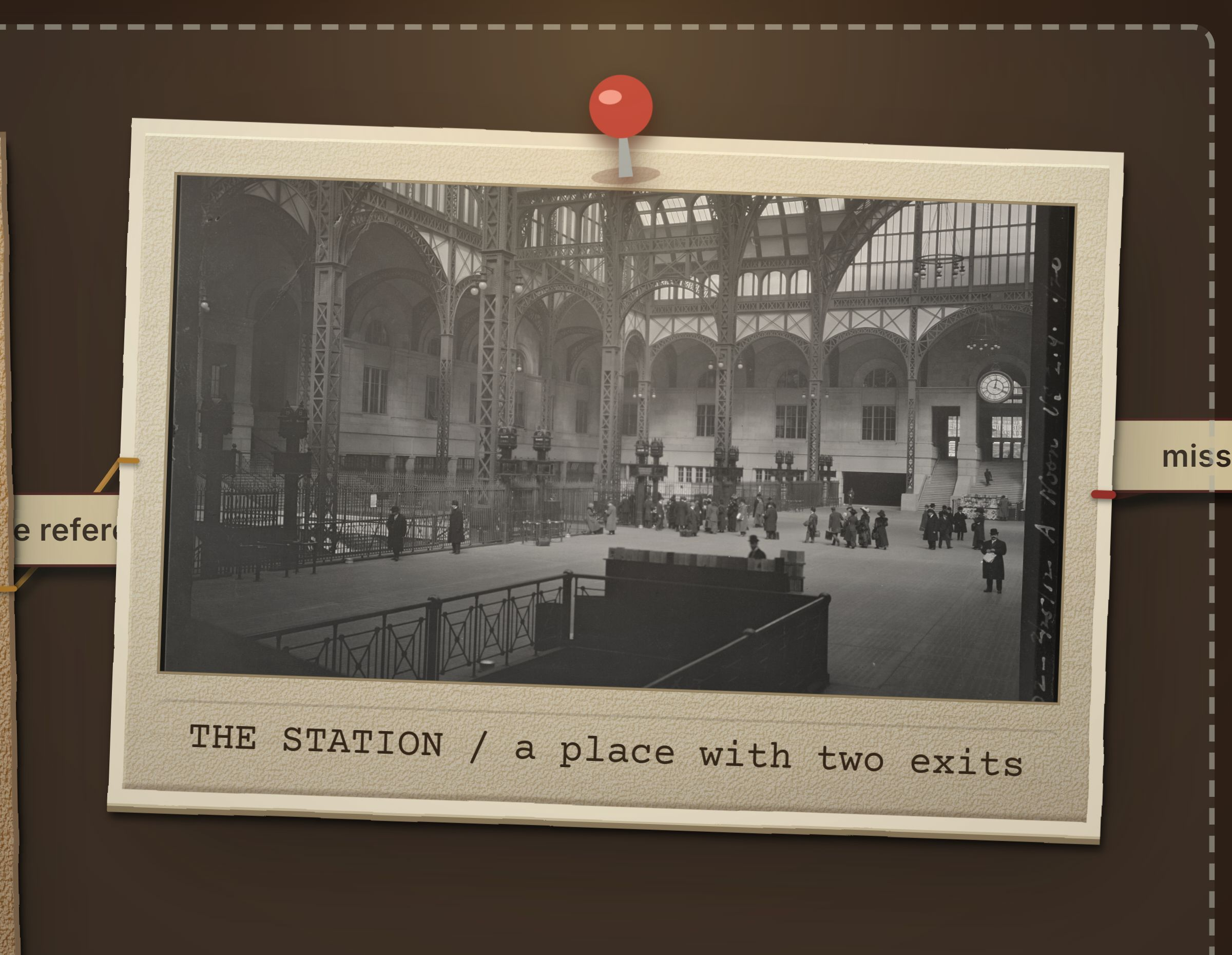
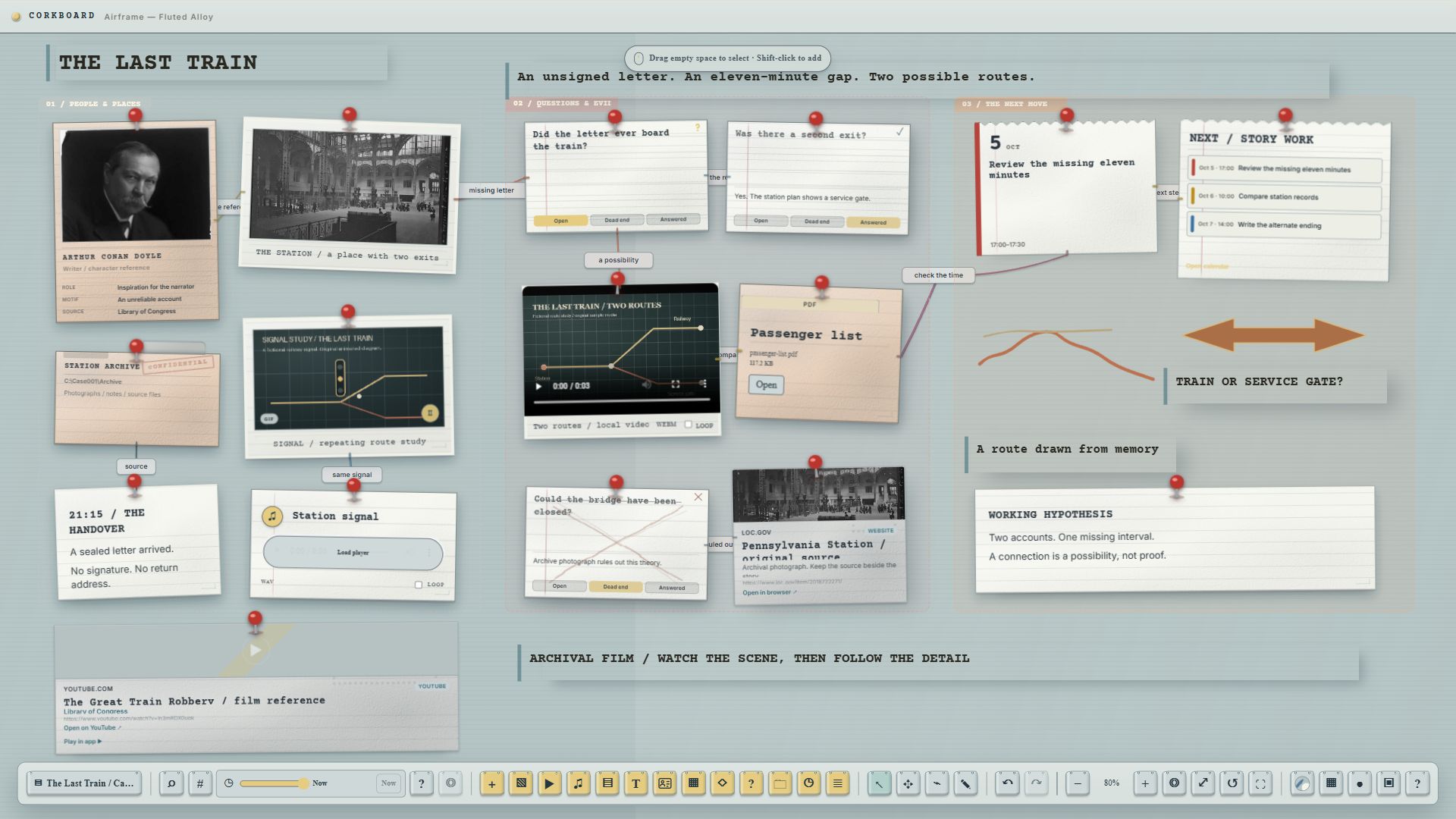
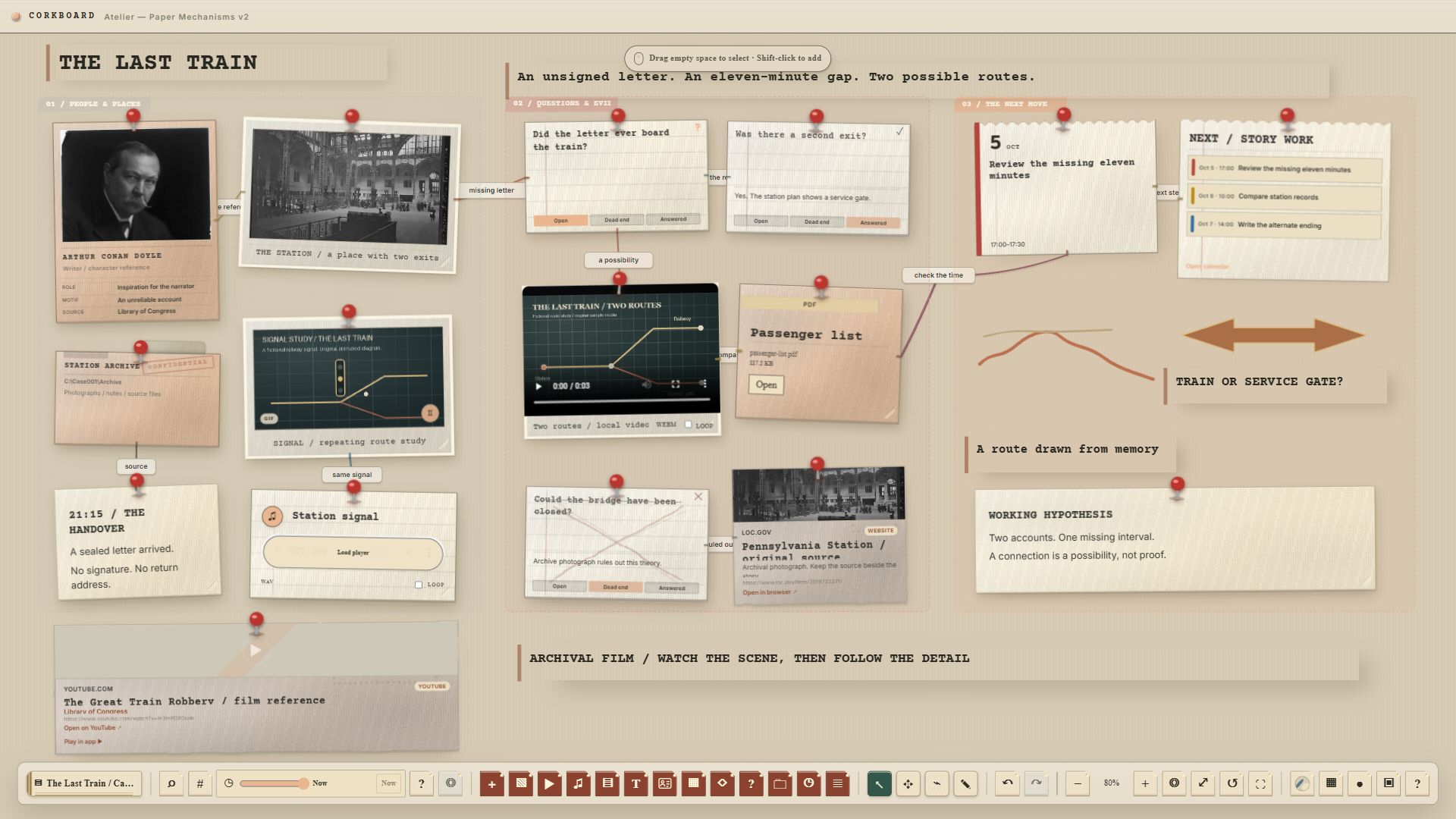
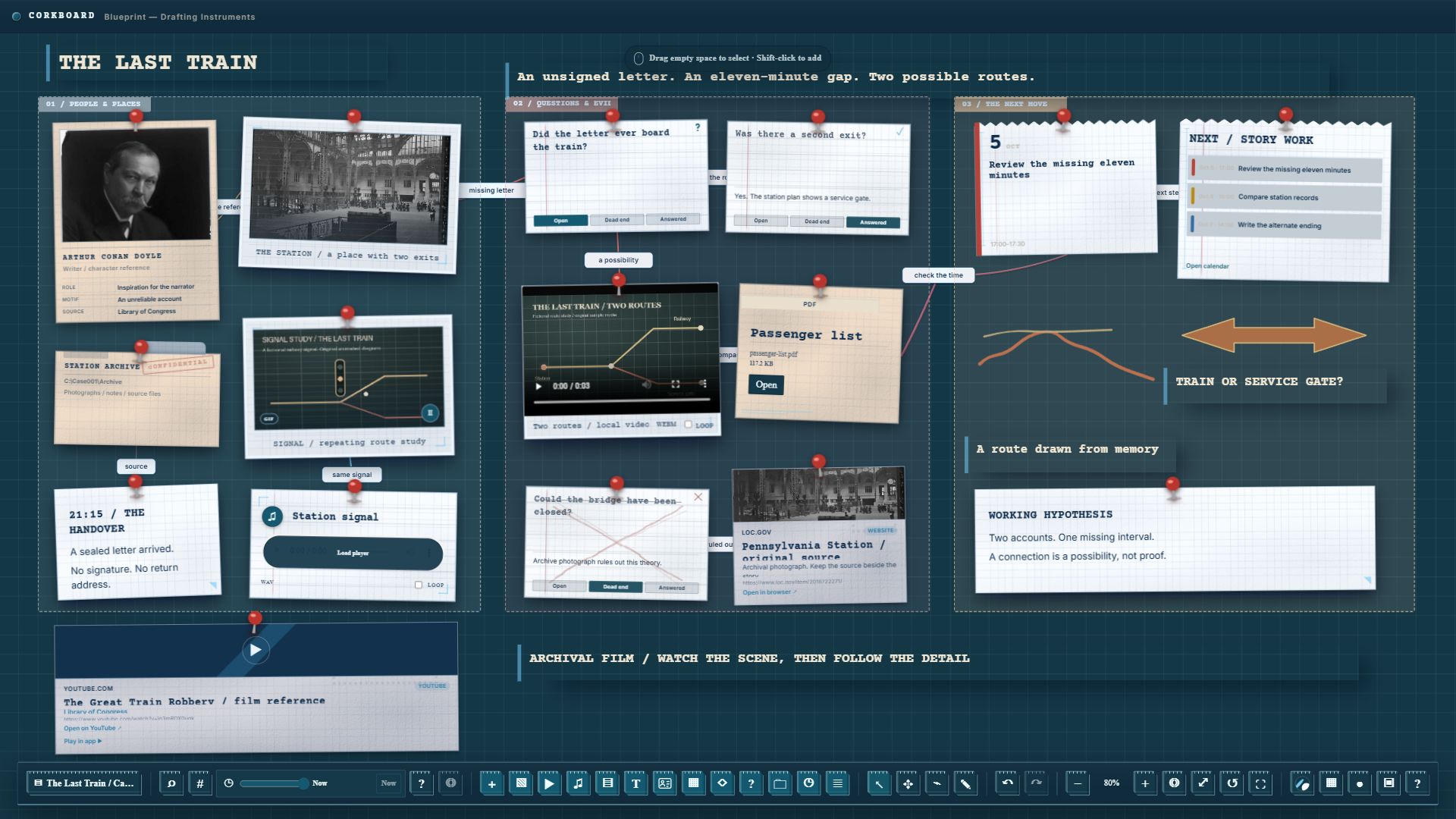
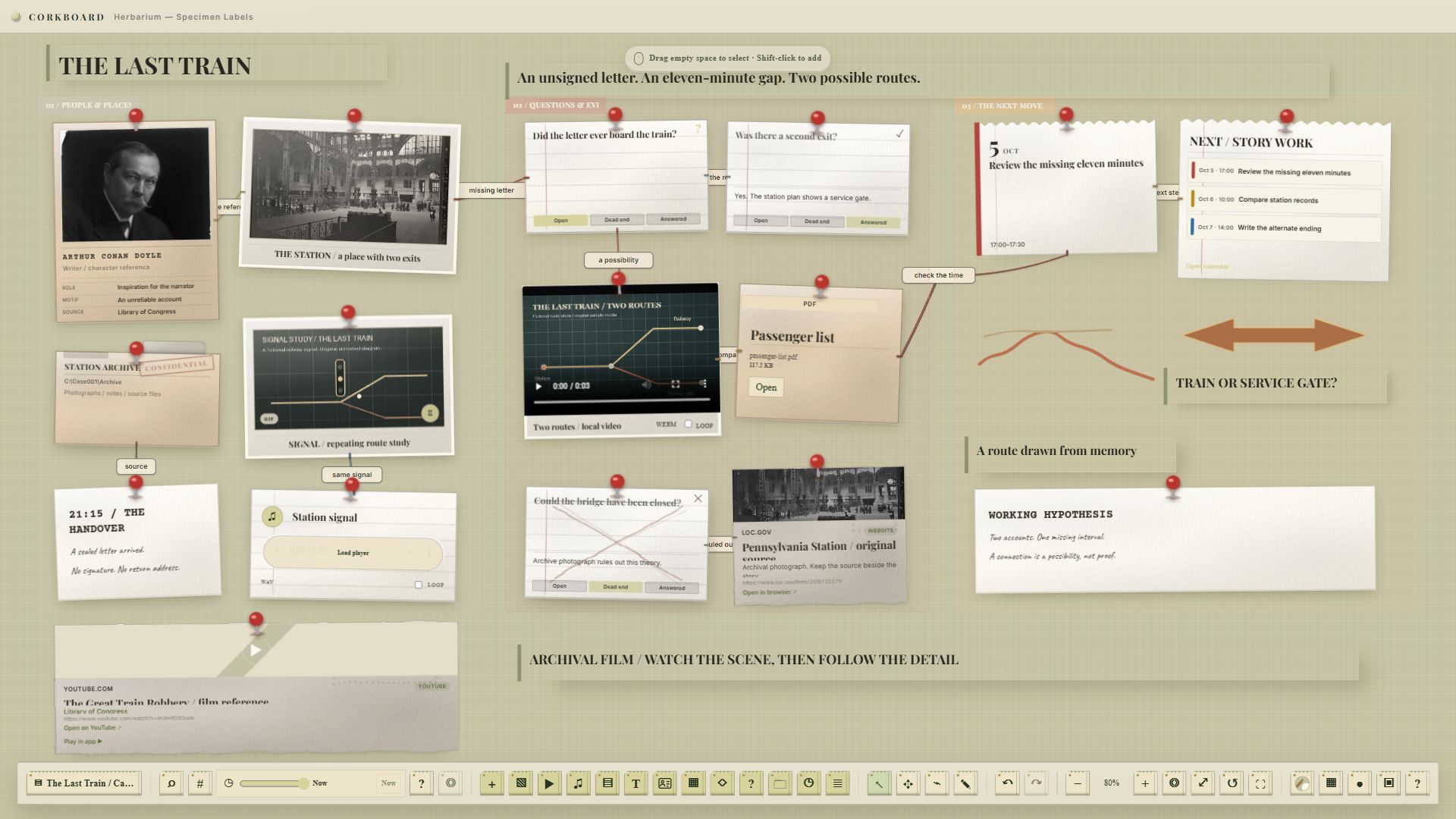
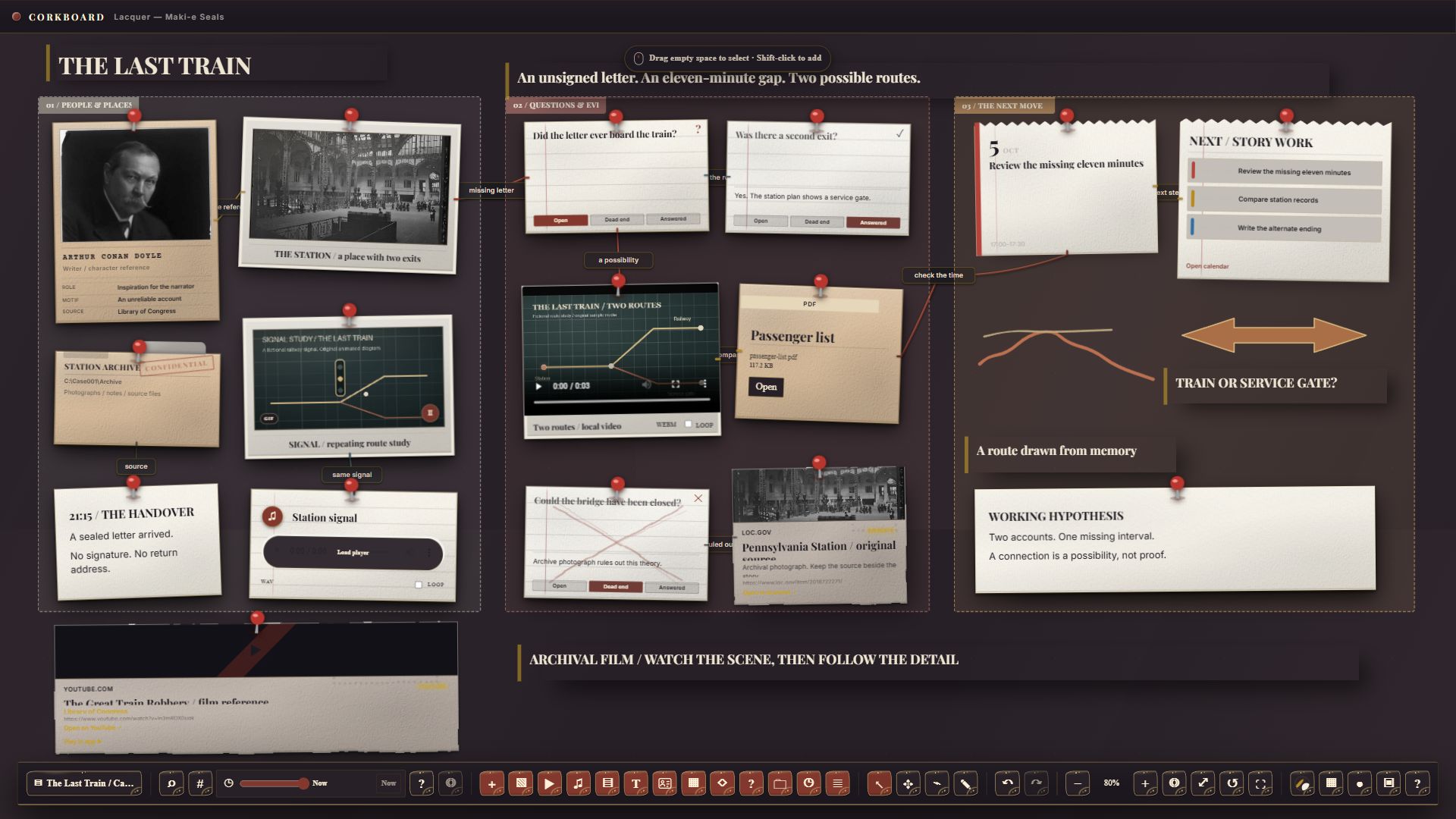
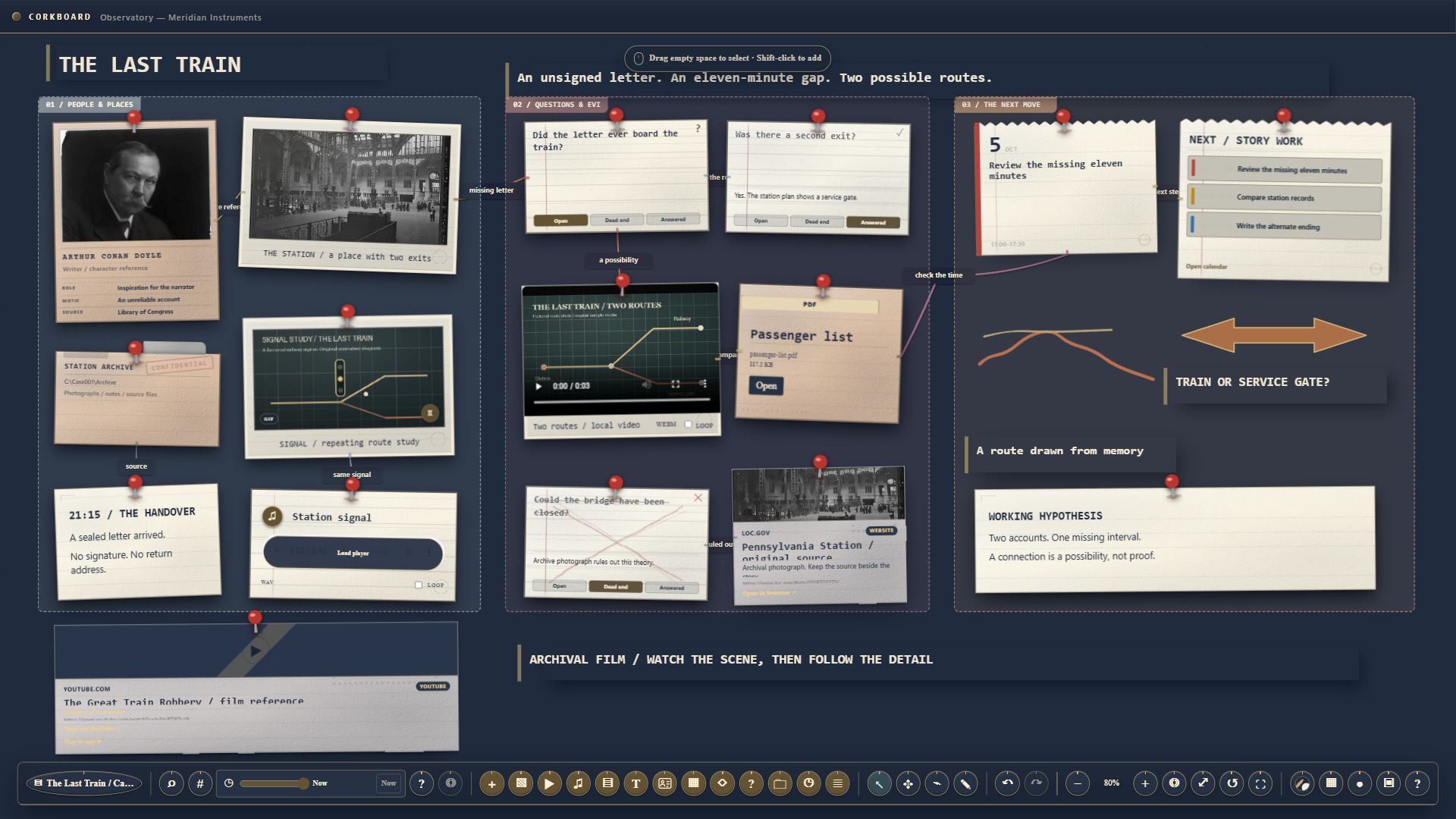
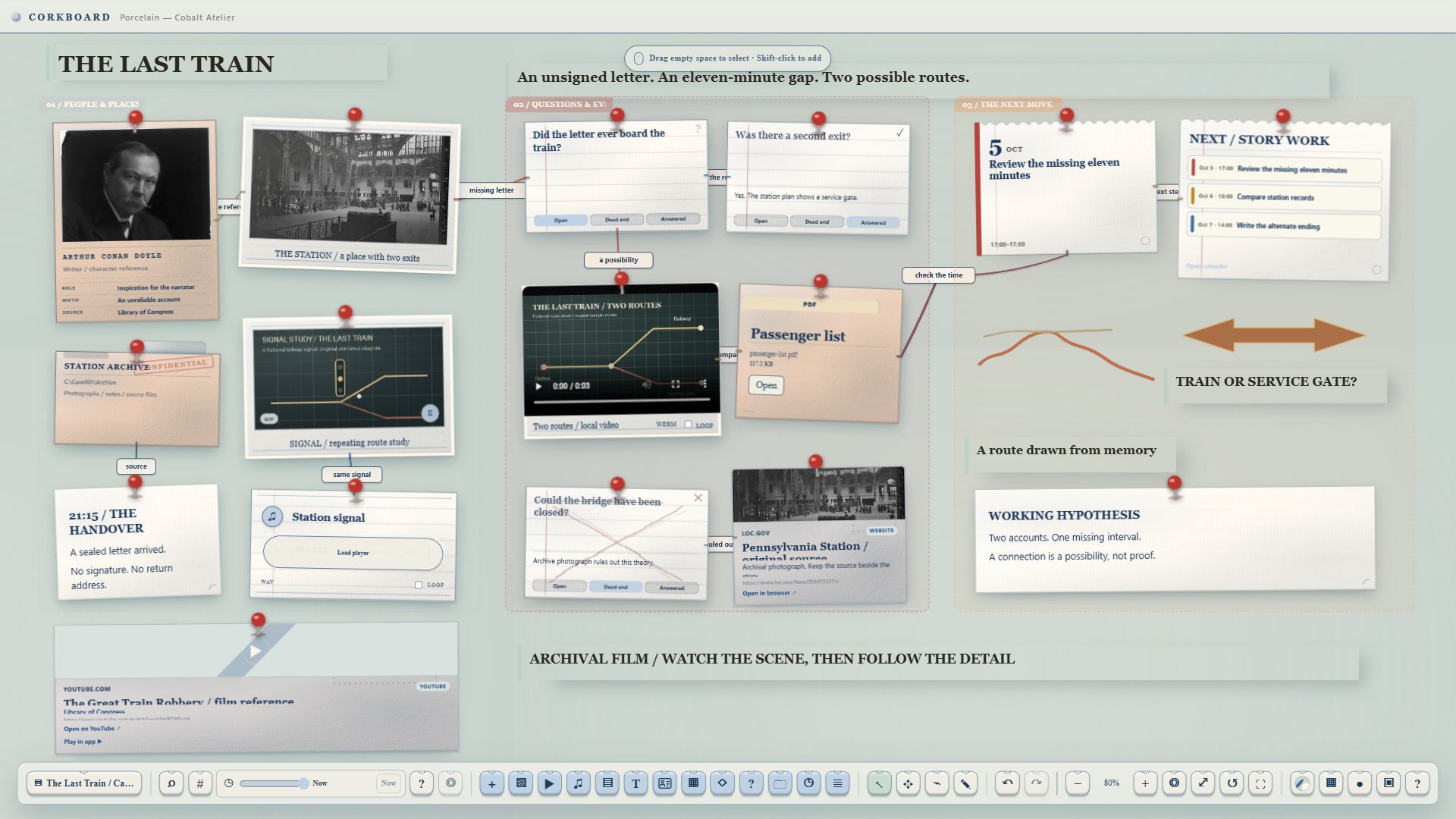
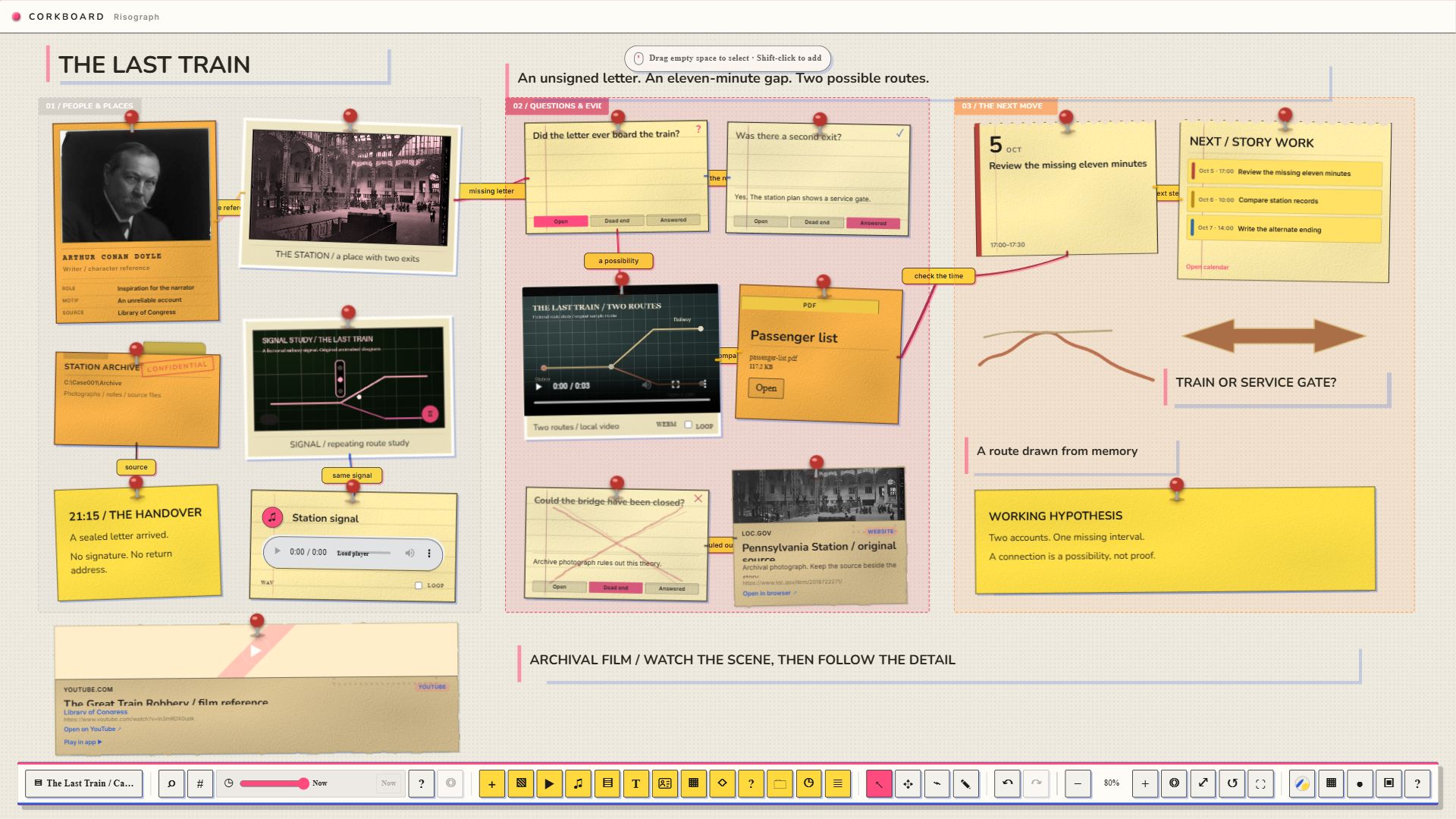
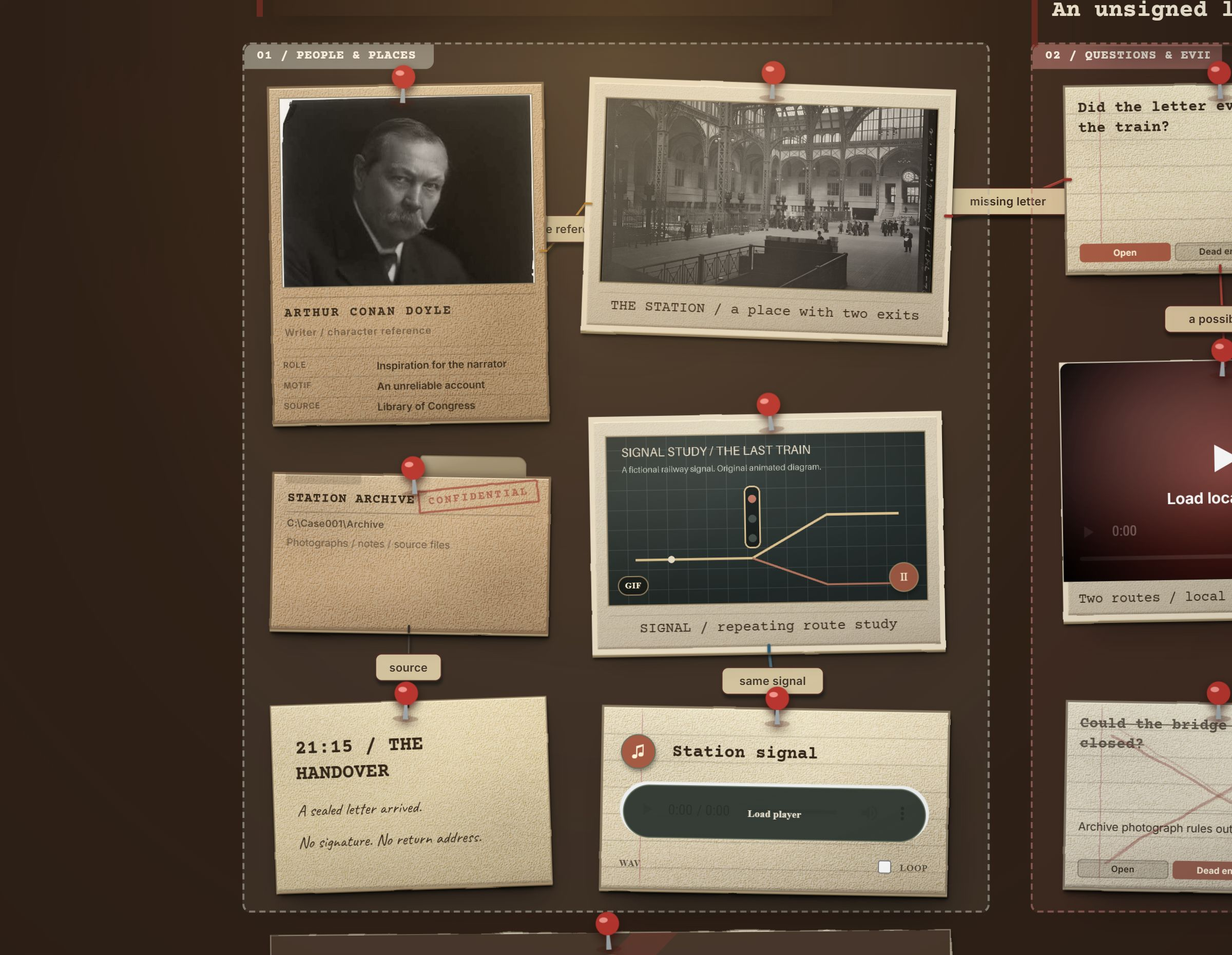
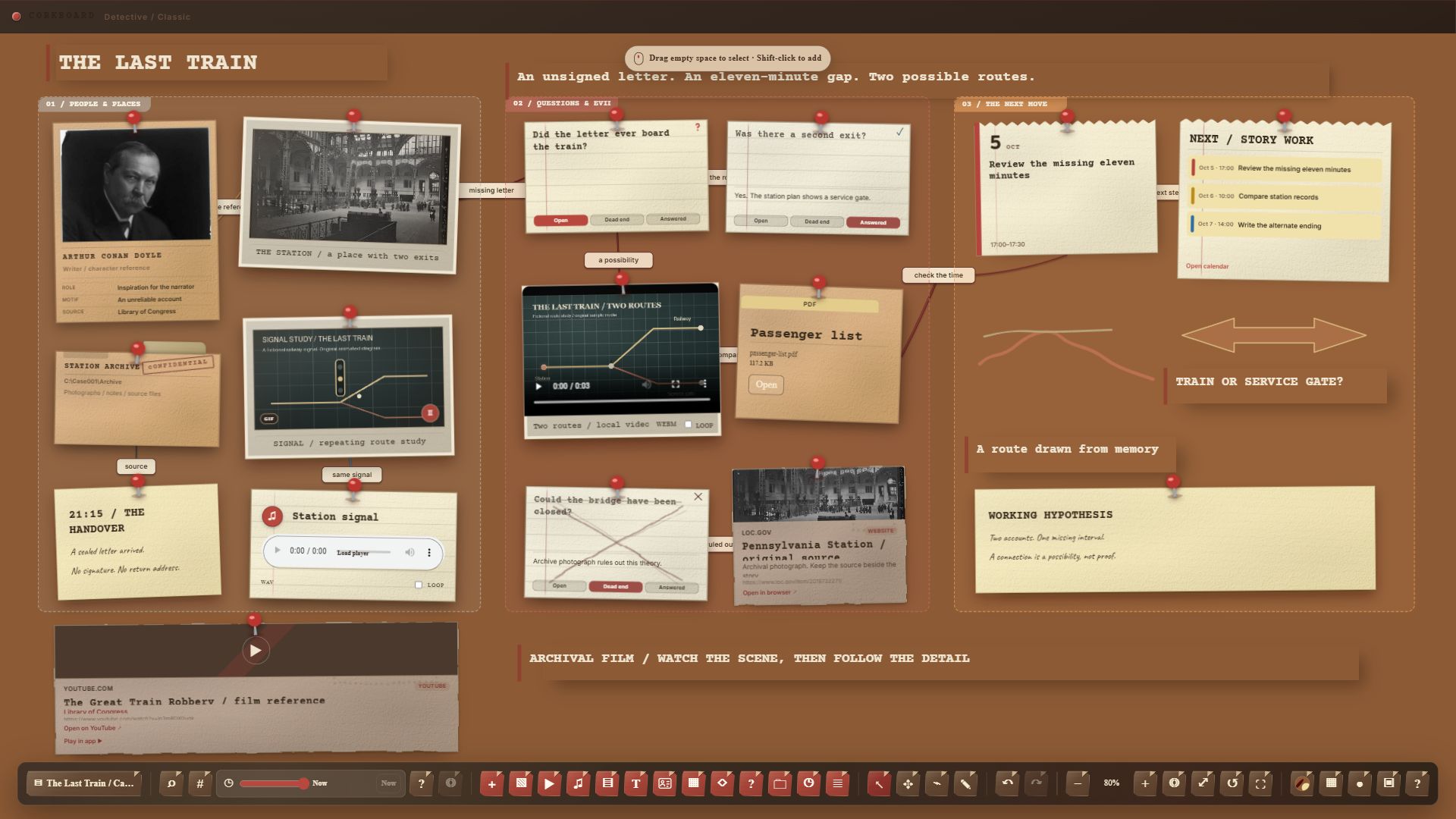
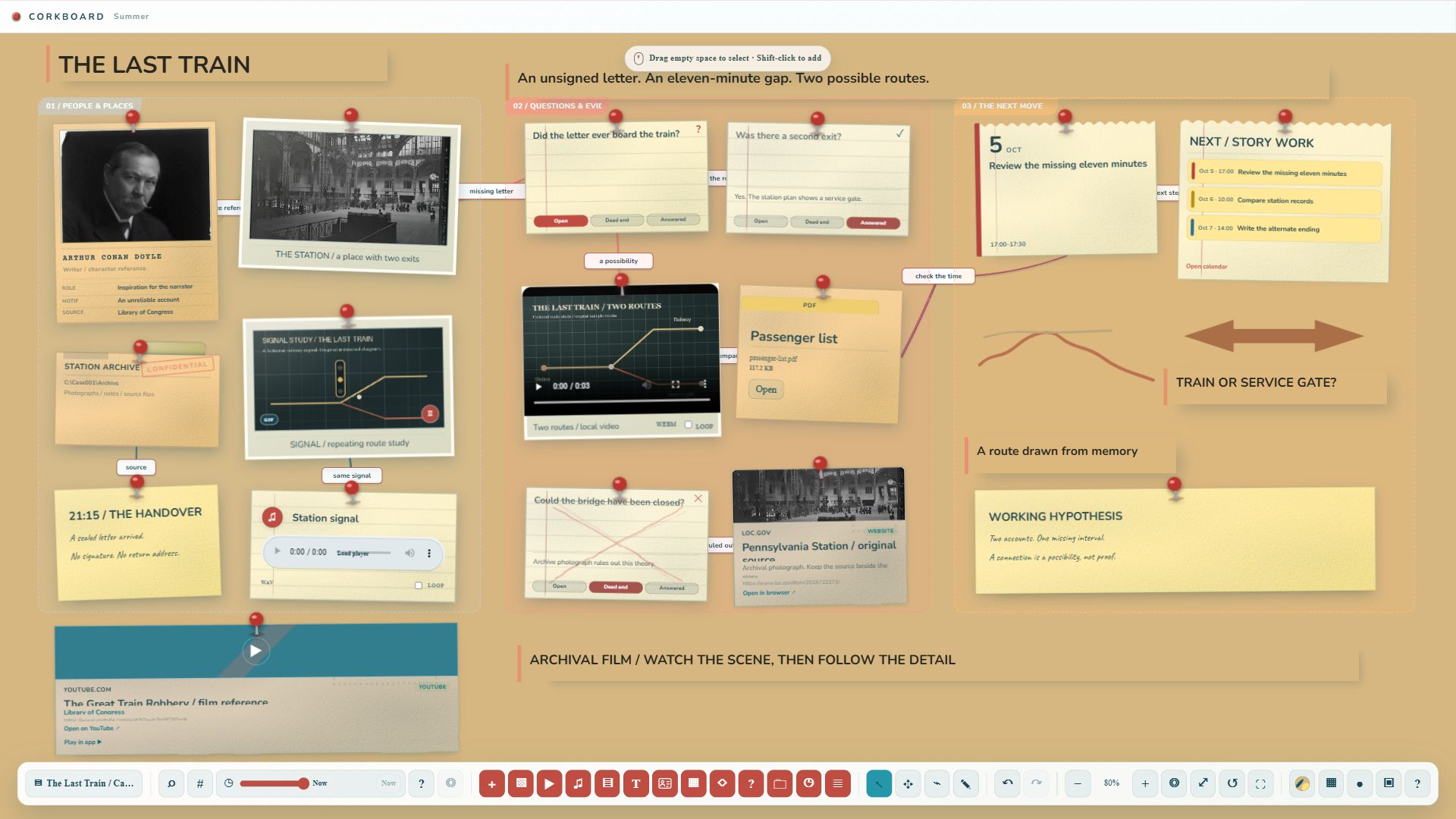
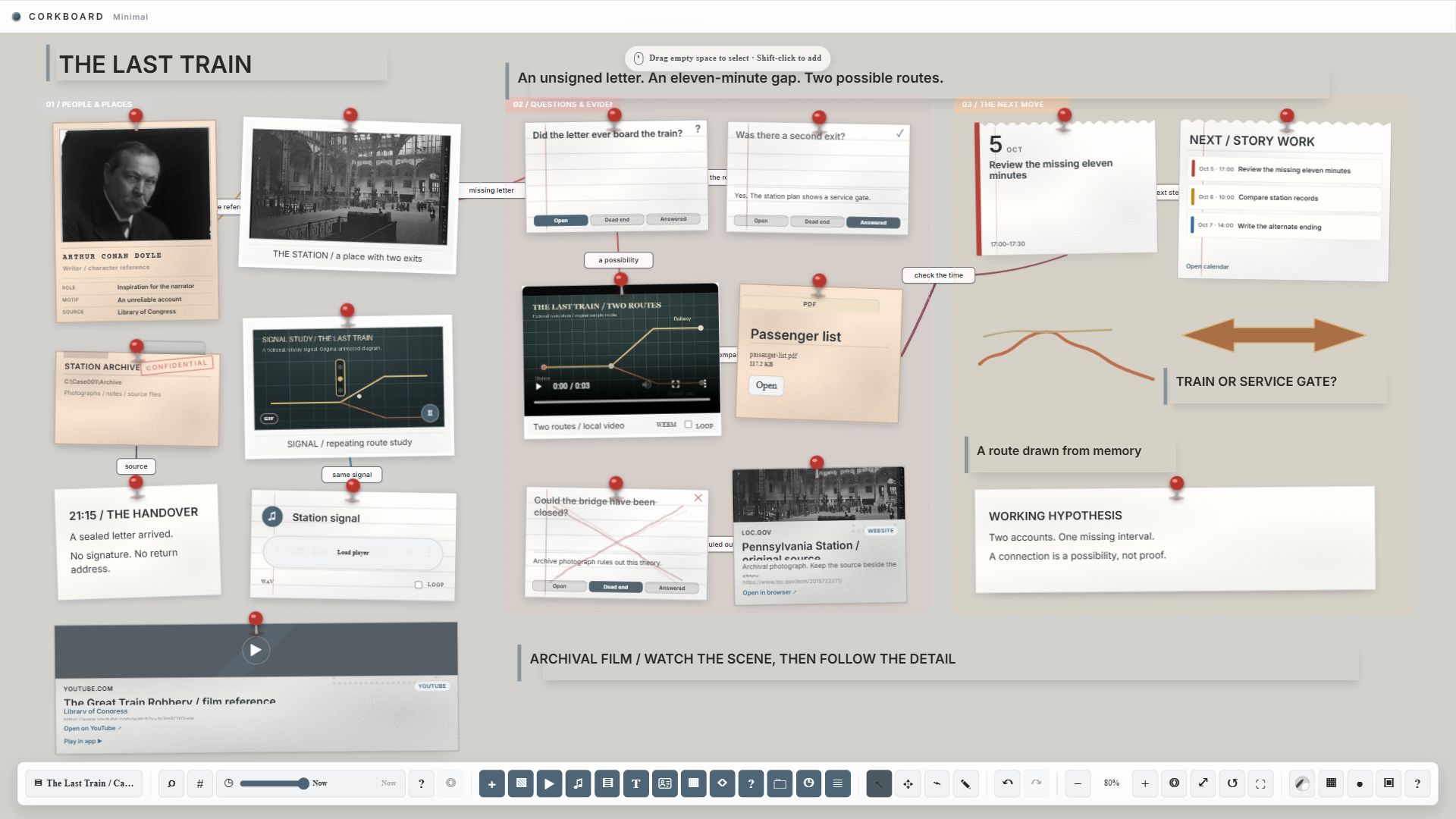
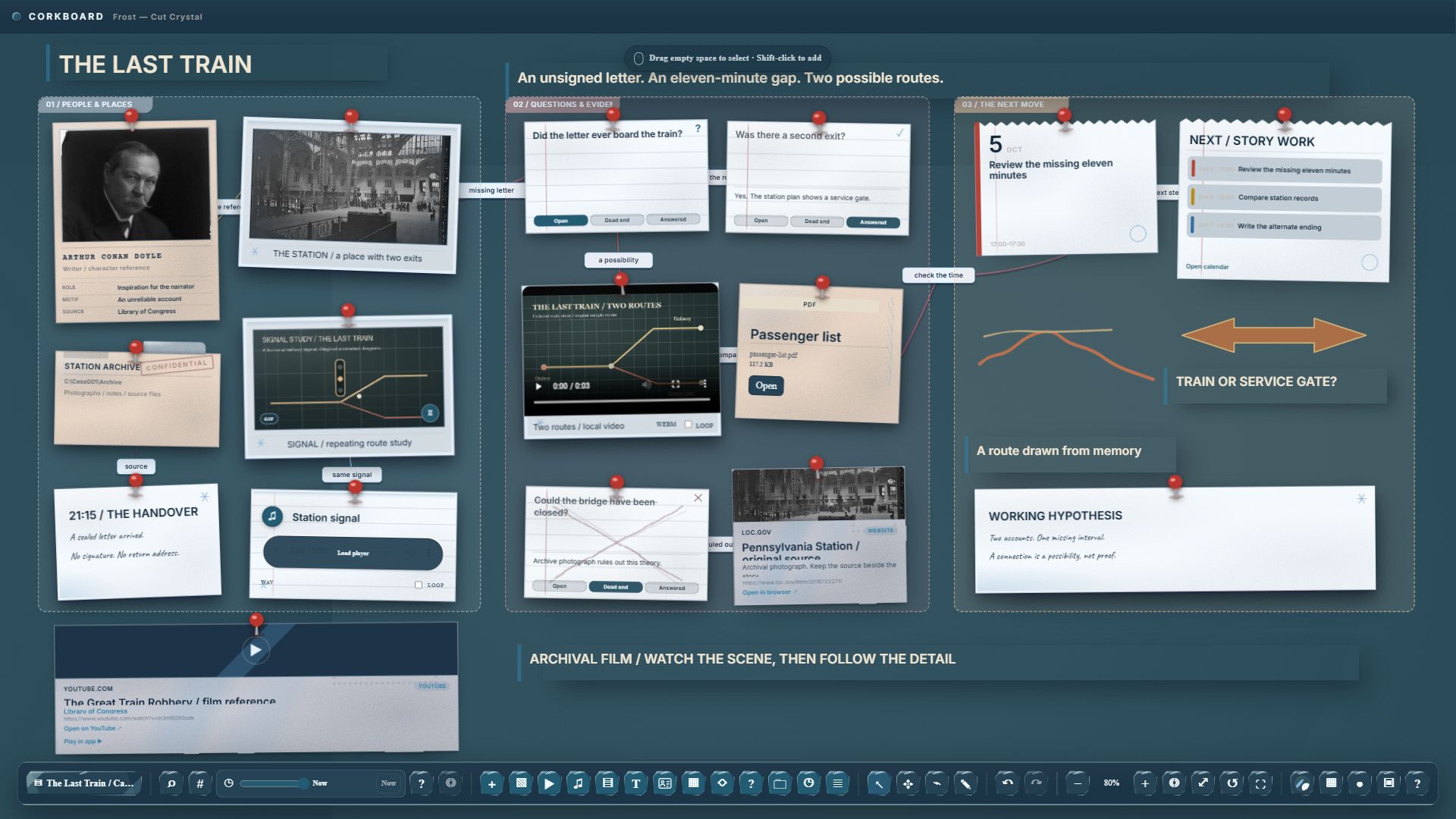
“The Last Train” is a fictional mystery writing project. All 16 card and board-object types in one story: people, questions, moving media, sources, a calendar and an agenda. Every piece has a different job, connected with labeled threads. Then slide on: seven more boards, from writing and fieldwork to exhibition design.

The Last Train / Dark CaseboardView full size +
CASE 001Dark Caseboard

The Last Train

Every card type in one fictional mystery.

People, questions in three states, moving media, sources, a calendar and an agenda — all 16 card and board-object types, connected by labelled threads.

  • All 16 types
  • Leads: open · answered · dead end
  • Labelled, routed threads
  • GIF, video, audio & embeds
The Salt Archive / Lacquer — Maki-e SealsView full size +
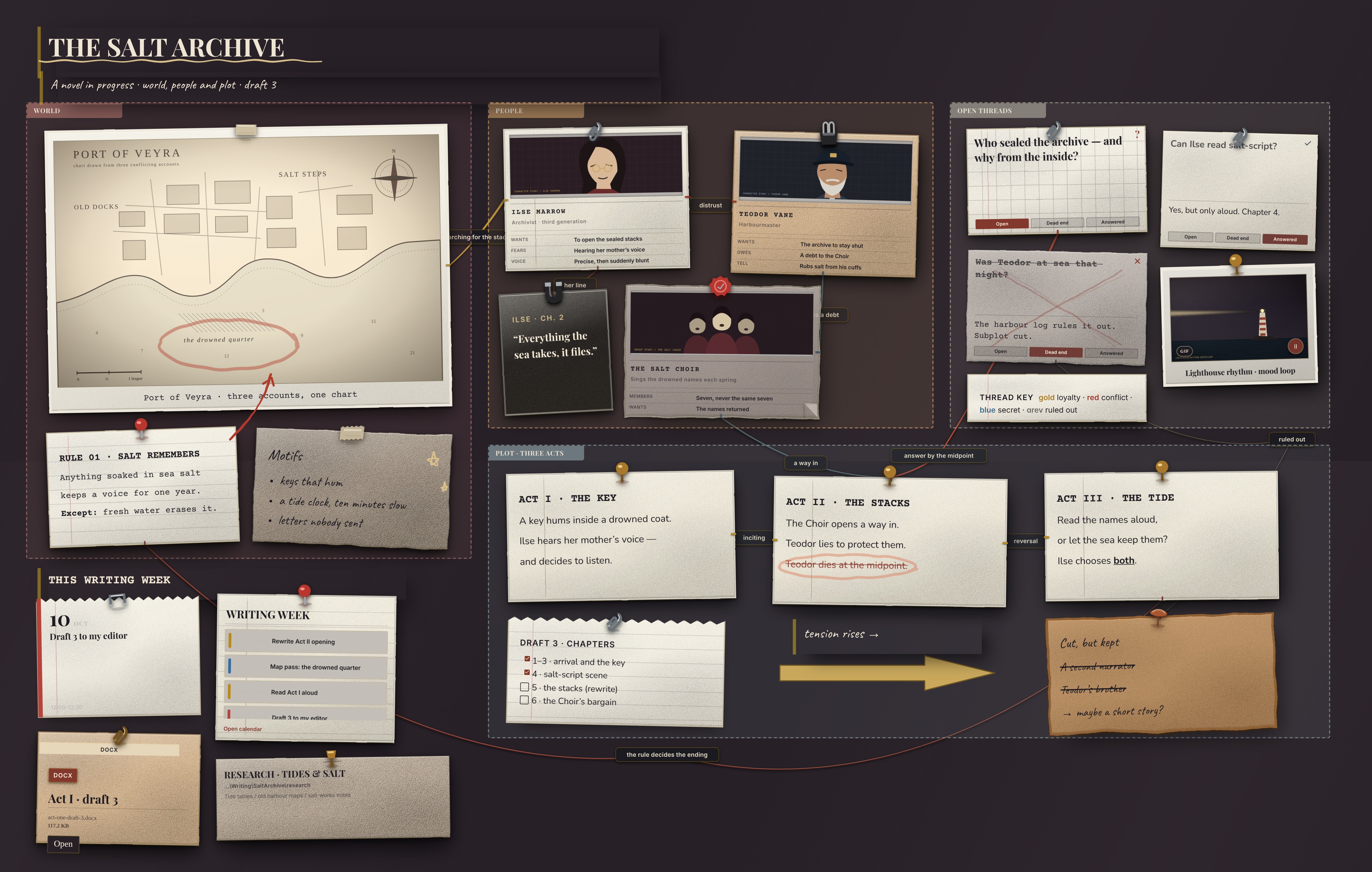
CASE 002Lacquer — Maki-e Seals

The Salt Archive

A novelist keeps a whole world in view.

Characters get dossiers, the world gets a hand-annotated chart, and plot holes become leads that end up answered or crossed out. A small thread key gives each string colour a meaning: loyalty, conflict, secret, ruled out.

  • Person dossiers
  • Leads in all three states
  • Checklist & struck-out ideas
  • Labelled, routed strings
  • Map annotated by hand
  • Calendar, agenda, file & folder
Night Song / Herbarium — Specimen LabelsView full size +
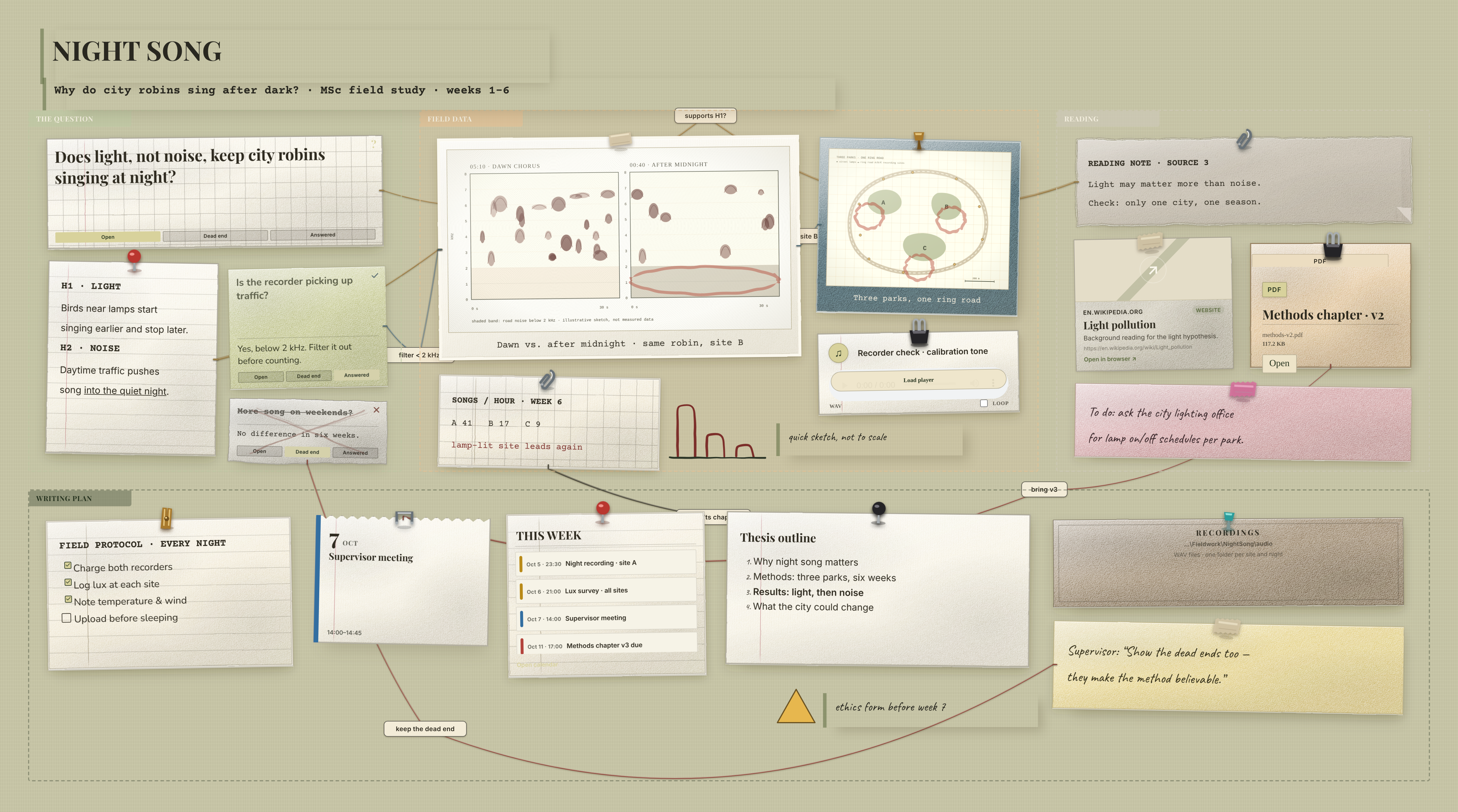
CASE 003Herbarium — Specimen Labels

Night Song

A thesis question, tested night by night.

A student’s field study keeps the hypothesis, the spectrograms, recording sites circled on a map and a quick hand-drawn chart beside the reading notes, the writing plan and the supervisor’s week. Dead ends stay on the board on purpose.

  • Hypothesis & research question
  • Photo with enlargement treatment
  • Sites circled with the pen tool
  • Hand-drawn bar chart
  • Web source, PDF & audio
  • Numbered outline & field checklist
Night Shift / Episode 04 / Darkroom — Contact ConsoleView full size +
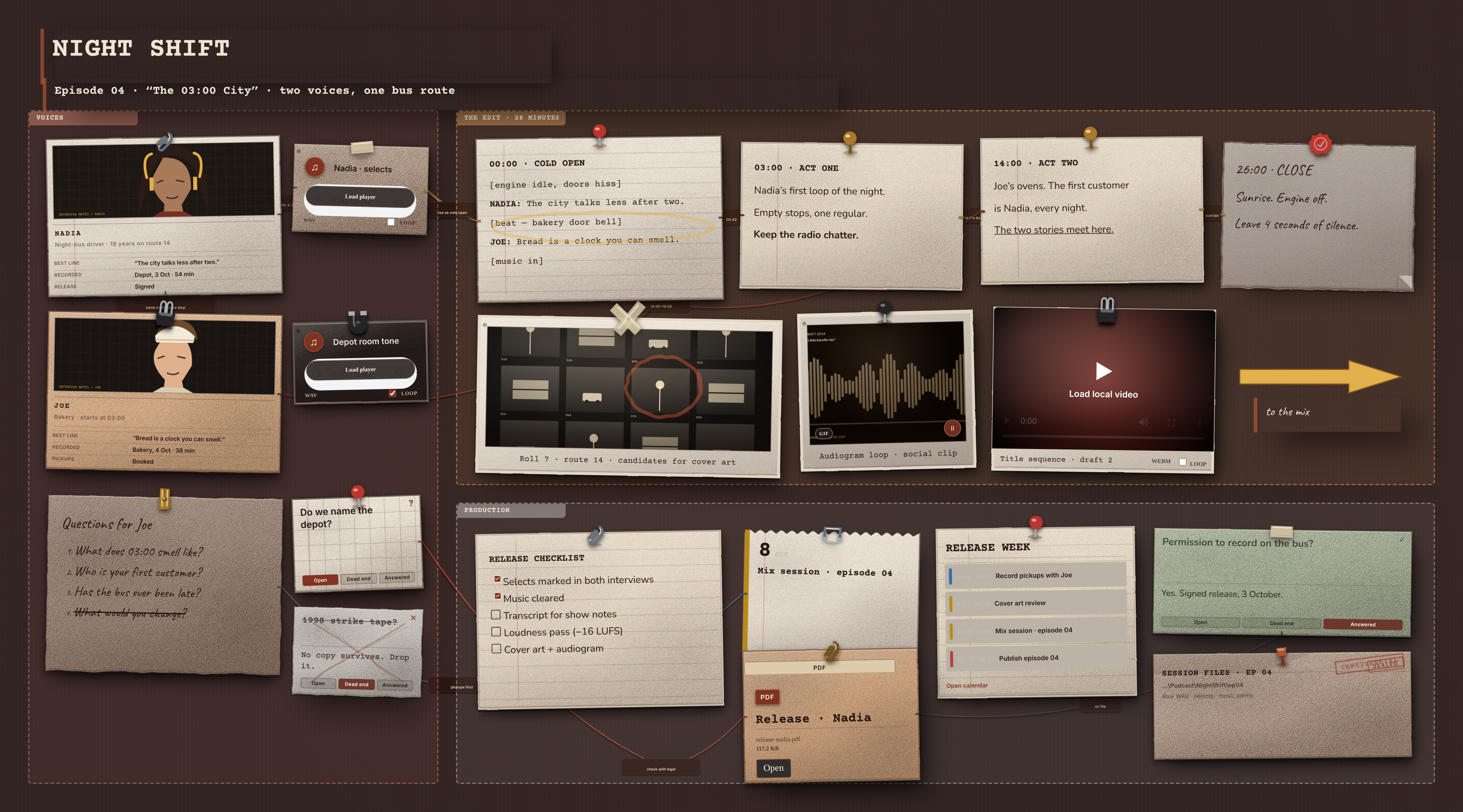
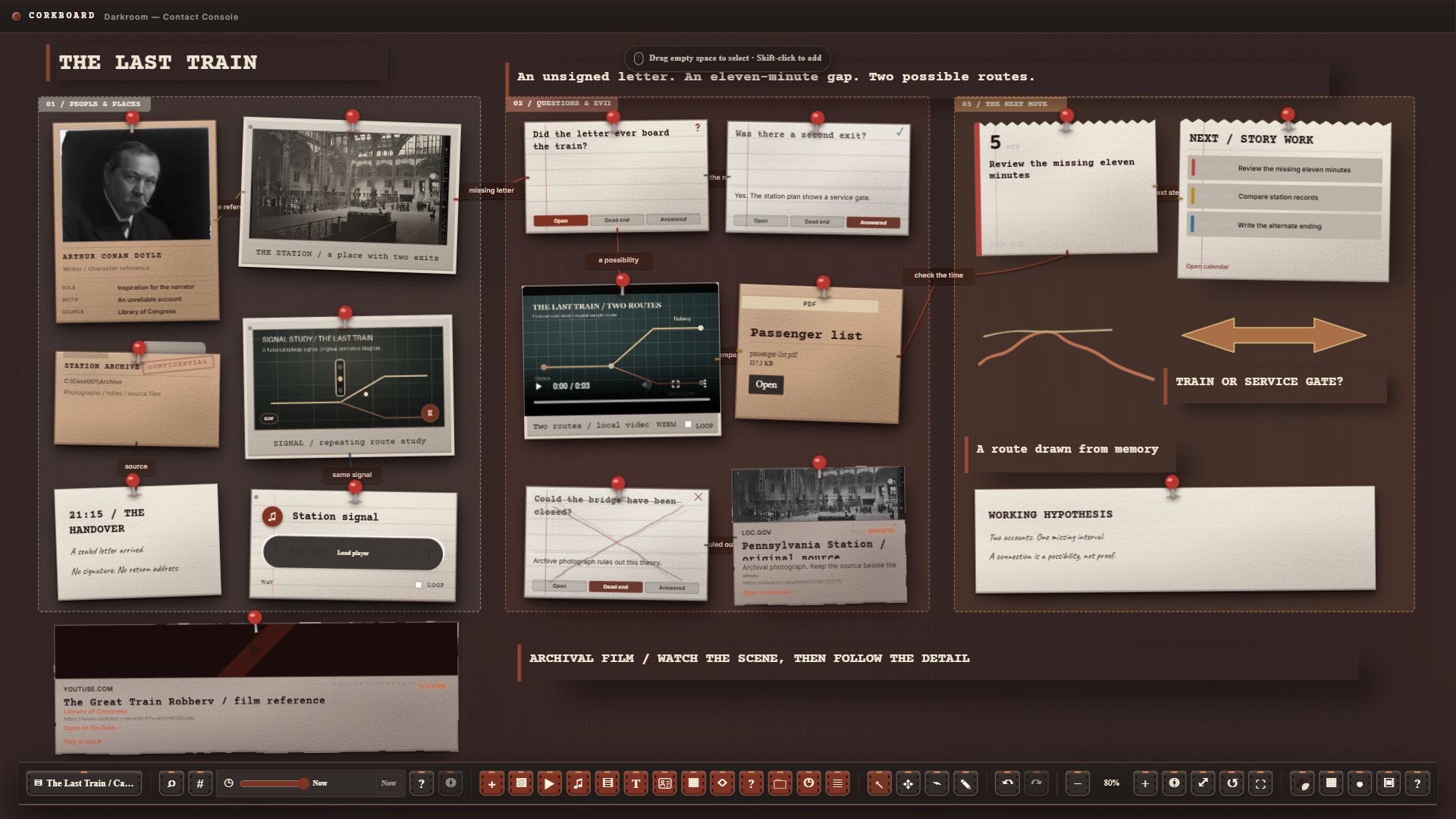
CASE 004Darkroom — Contact Console

Night Shift / Episode 04

Two interviews become one 28-minute story.

A podcast producer lays the edit out in time order: interview dossiers, audio selects, a typewritten cold open, a contact sheet with the cover frame circled, an audiogram GIF, the title video and a release week that runs off the calendar.

  • Interview dossiers
  • Audio, video & GIF cards
  • Script in a typewriter face
  • Timecodes on the strings
  • Contact sheet marked by hand
  • Release checklist & agenda
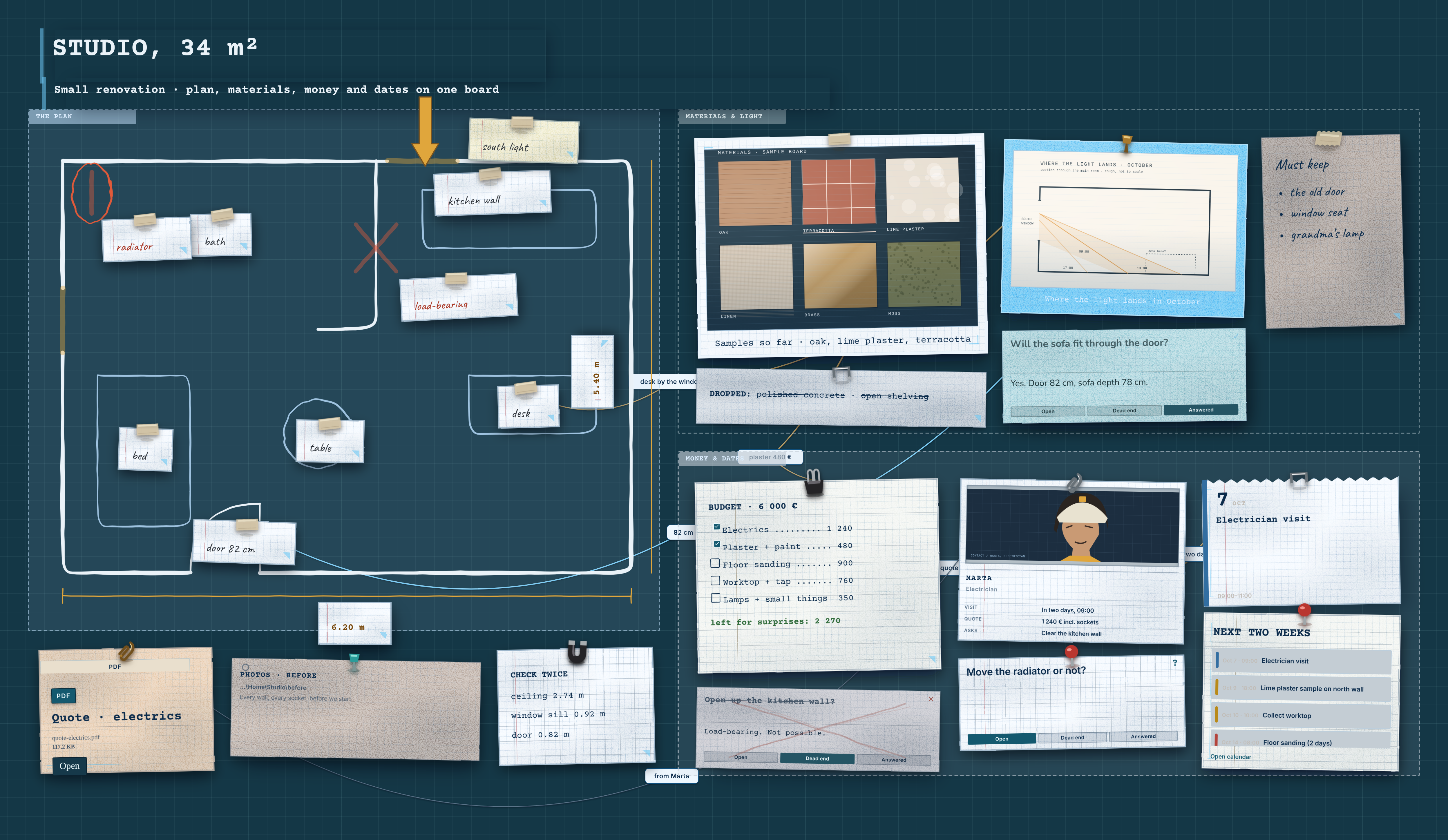
Studio, 34 m² / Blueprint — Drafting InstrumentsView full size +
CASE 005Blueprint — Drafting Instruments

Studio, 34 m²

A small renovation, drawn by hand.

The floor plan is sketched directly on the board with the pen tools and labelled with paper tags. Samples, a light study, a budget checklist, the electrician’s contact card and the next two weeks of dates sit around it.

  • Floor plan drawn on the board
  • Paper tags & shapes
  • Budget as a checklist
  • Contact card & quote PDF
  • Answered, open & dead-end leads
  • Event card & agenda
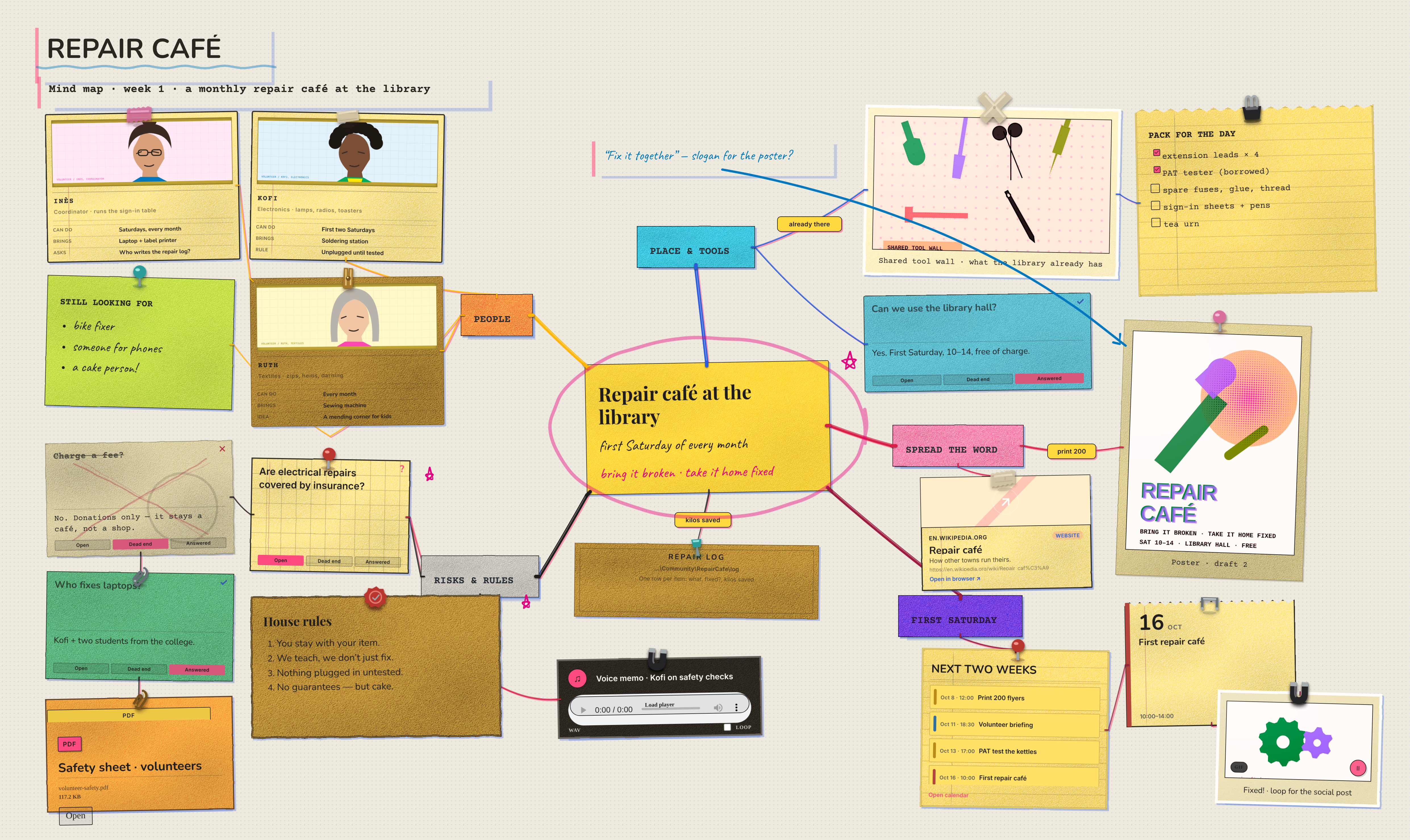
Repair Café / RisographView full size +
CASE 006Risograph

Repair Café

A mind map for a community project.

No regions and no columns: one idea in the middle, five coloured branches around it. Main strings are thick and taut, leaf strings thin and loose, so the hierarchy reads at a glance. Volunteers get contact cards, risks become leads, and the first Saturday comes straight off the calendar.

  • Radial mind-map layout
  • String colour = branch
  • Thick main, thin leaf strings
  • Rounded & coffee-ring paper
  • Poster, GIF & voice memo
  • Hand-drawn ring and arrow
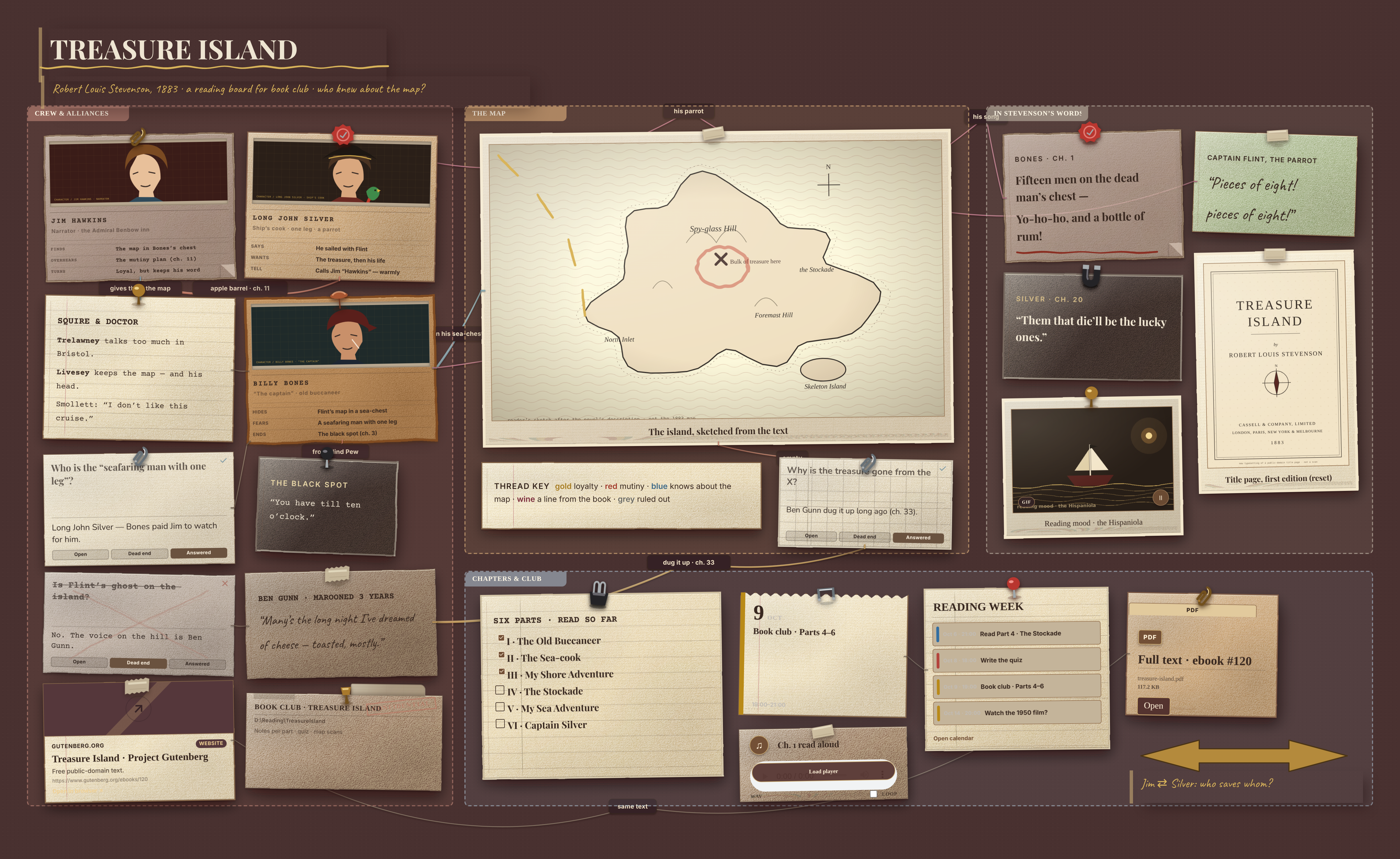
Treasure Island / Bookbindery — Morocco & Marbled PaperView full size +
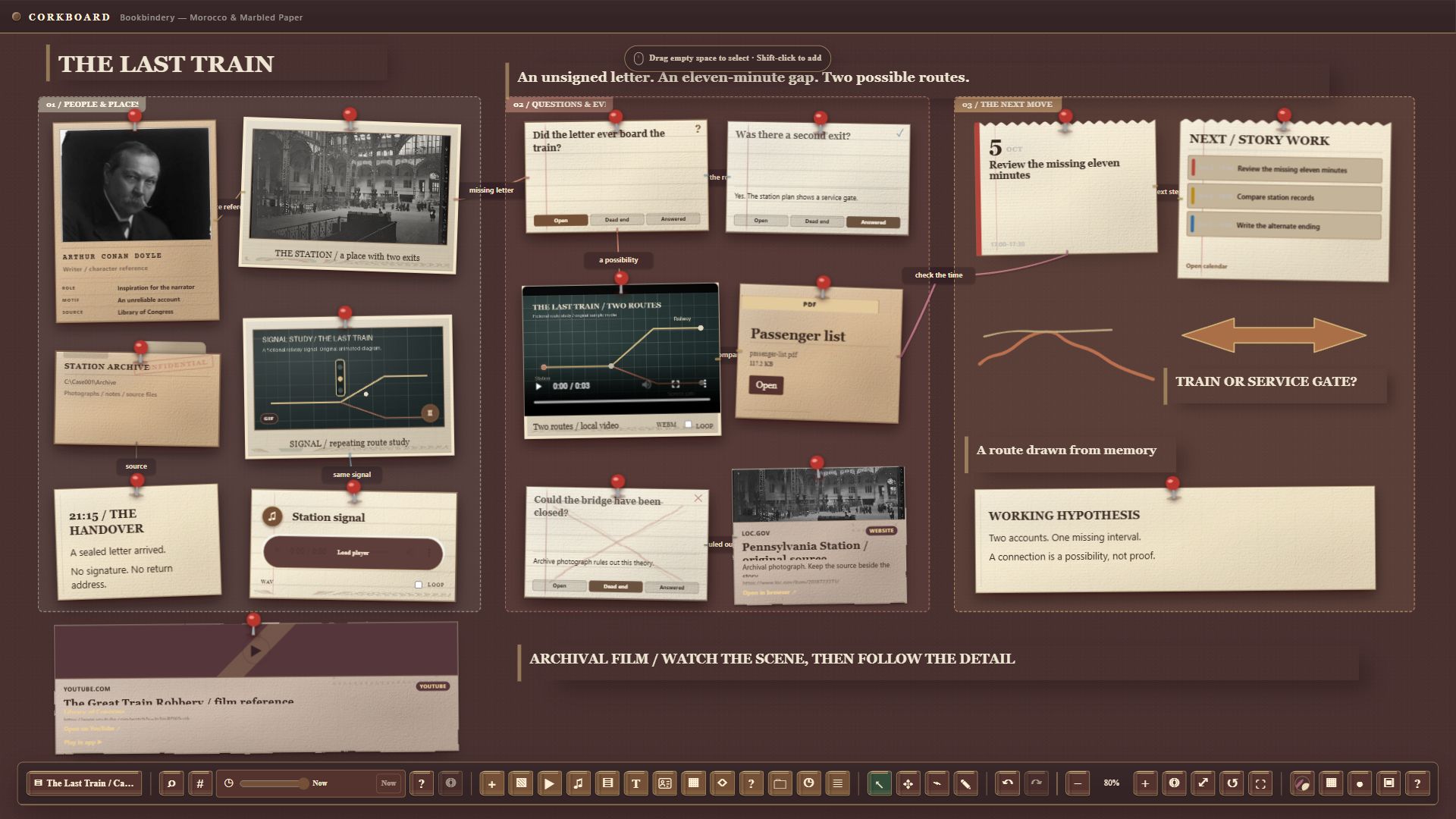
CASE 007Bookbindery — Morocco & Marbled Paper

Treasure Island

A reading board for a public-domain classic.

A book club follows Stevenson’s 1883 novel: who knew about the map, who betrayed whom, which questions the story answers and which turn out to be ghosts. Quotes from the book sit on their own papers, the island is sketched from the text and the ship’s approach is drawn over it.

  • Characters as dossiers
  • Thread key: loyalty, mutiny, the map
  • Quotes in a serif on onion-skin
  • Route drawn over the chart
  • Public-domain text & link
  • Reading week on the calendar
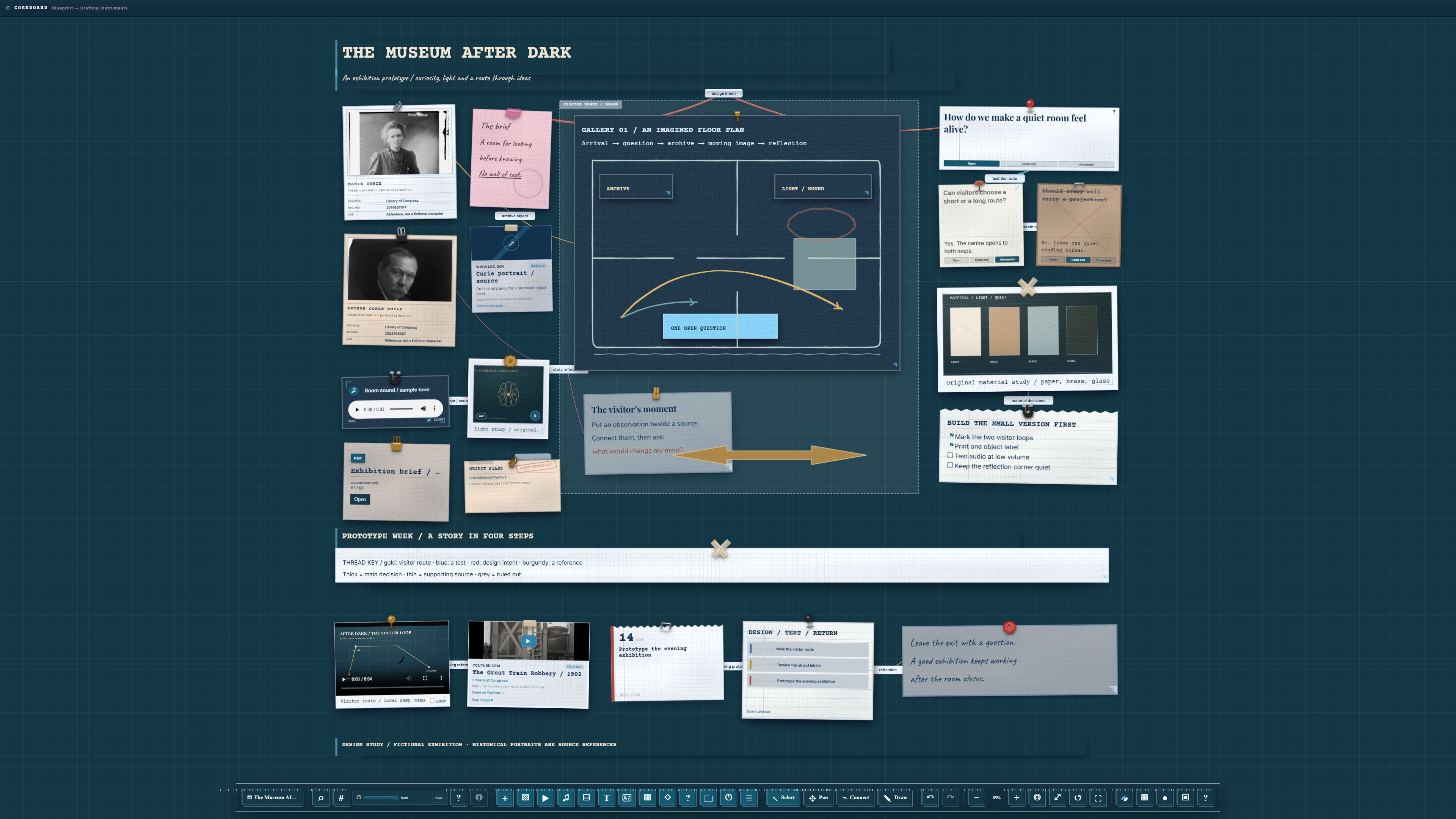
The Museum After Dark / Blueprint — Drafting InstrumentsView full size +
CASE 008Blueprint — Drafting Instruments

The Museum After Dark

An exhibition takes shape around a visitor’s curiosity.

Historical source portraits, an illustrated material palette and a floor plan drawn with the pen tools help shape a fictional evening exhibition. Two visitor routes, open questions and a prototype week connect the archive to the experience.

  • 16 card and board-element types
  • Historical portrait references
  • Floor plan drawn on the board
  • Two visitor routes
  • Questions in all three states
  • GIF, local video, audio & embed
01 / 08

DETAILS FROM THE BOARD

People and traces

01

People and traces

Keep people, photographs and notes side by side. The details that carry the story stay within reach.

Visible relationships

02

Visible relationships

Label a thread to show why one account relates to another detail. Keep contradictions and possibilities in sight.

Unanswered questions

03

Unanswered questions

Give a question its own lead card. Distinguish what is settled from what still needs an answer.

THE LANGUAGE OF CONNECTIONS

More than a line between two things.

Thirty seconds of the application itself: move a card and every thread follows and settles; then one string’s slack, thickness, direction, colour, label and route are changed in the real inspector.

Recorded in the actual application · 1920×1080 · no sound
01

Color

Red, burgundy, charcoal, gold and blue, plus the theme default. Assign your own meaning to each color.

02

Thickness

1–12 px in 0.5 px steps. Use a subtle thread or make an important relationship stand out.

03

Direction

Both ways, source → target or target → source. A tapered thread indicates how to read the relationship.

04

Tension / slack

0–1.6×. Pull a thread taut or leave a loose curve; a useful visual language for certainty and hunches.

05

Labels / relationships

Write a label of up to 80 characters, or choose a suggested relationship. Explain the connection where it happens.

06

Routing

Pin a connection through an intermediate point and drag it around another card. Return to a direct route whenever you like.

THE COMPLETE CARD & OBJECT INDEX

Sixteen ways to put a thought on the board.

Not sixteen copies of a sticky note. Each type has a different job. The current application contains 13 card types and 3 supporting board elements: headings, regions and shapes.

13 functional cards3 supporting elements16 distinct types on Case 001
Sticky note / Case 001
01 / CARD

Sticky note

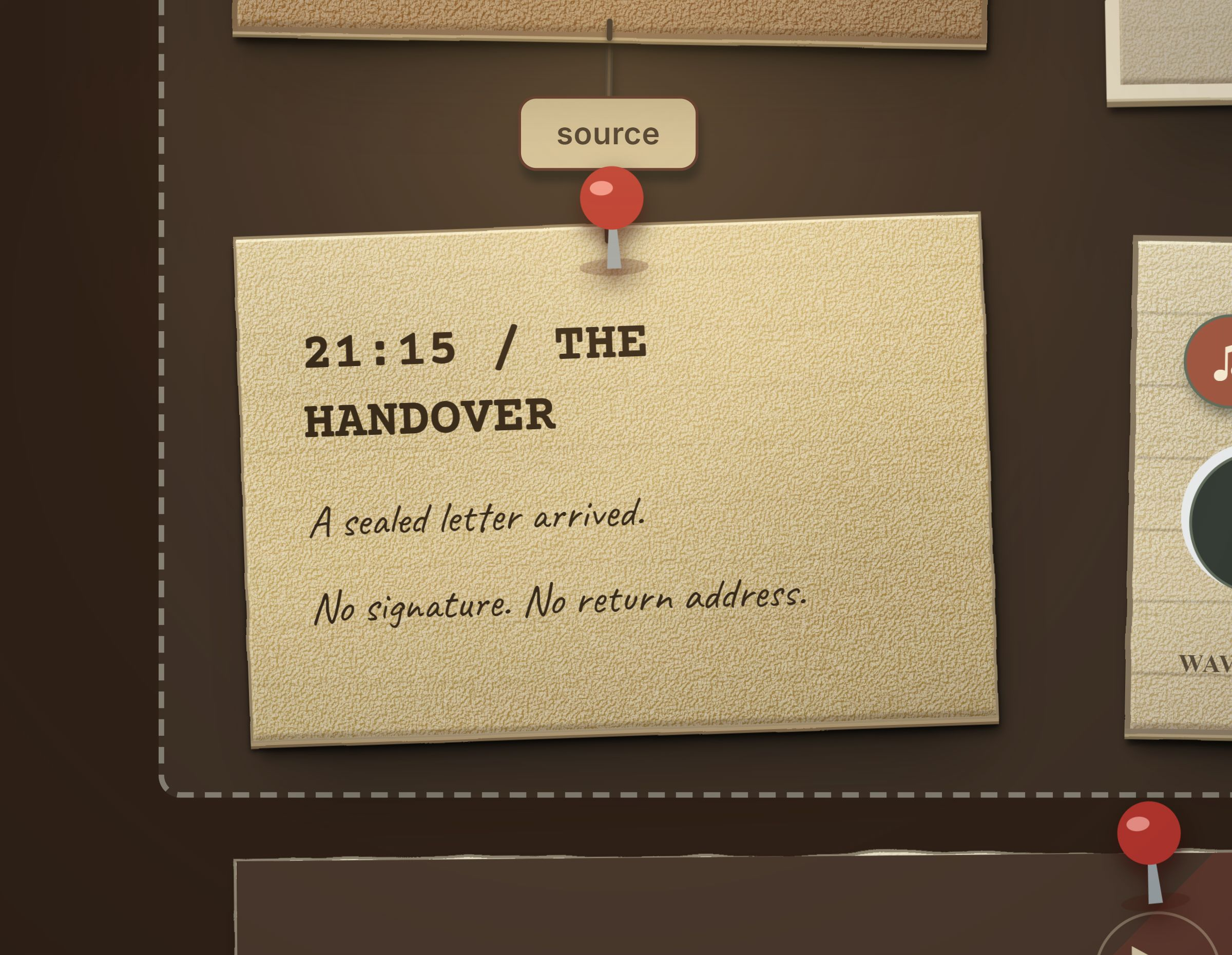
Rich text, quick observations and a working hypothesis.

Photo / Case 001
02 / CARD

Photo

A visual reference with its own caption and photographic presentation.

Person dossier / Case 001
03 / CARD

Person dossier

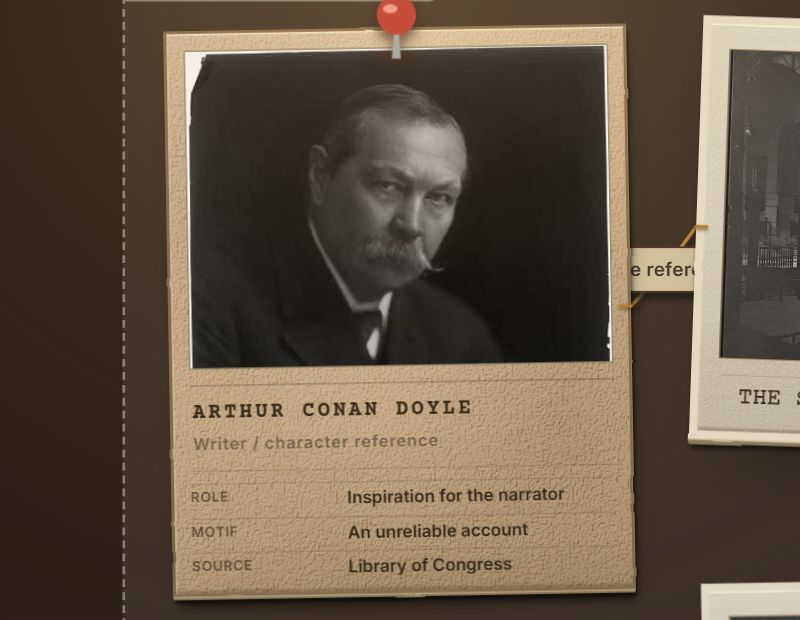
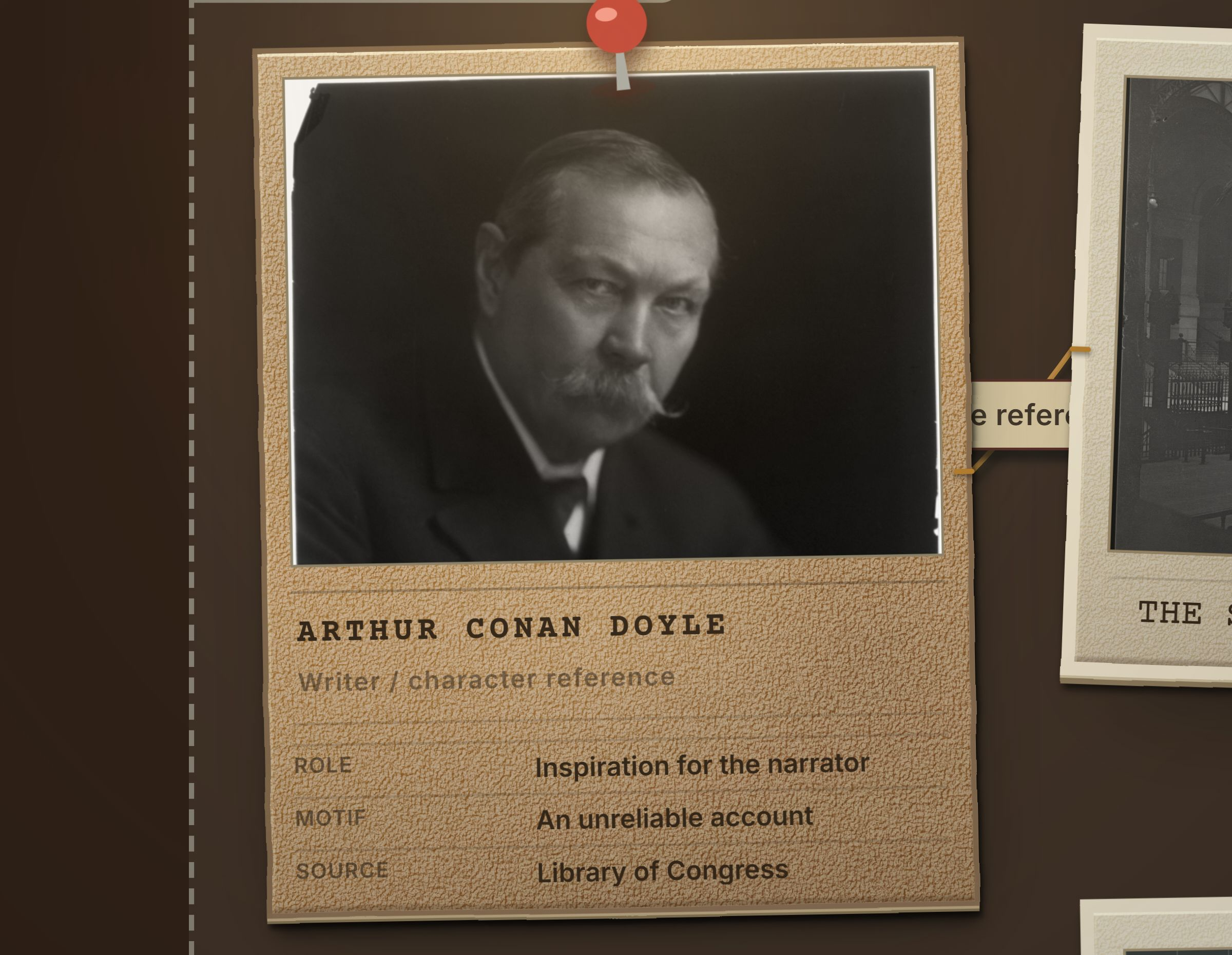
Portrait, name, aliases and custom fields keep a character or person in context.

Question / lead / Case 001
04 / CARD

Question / lead

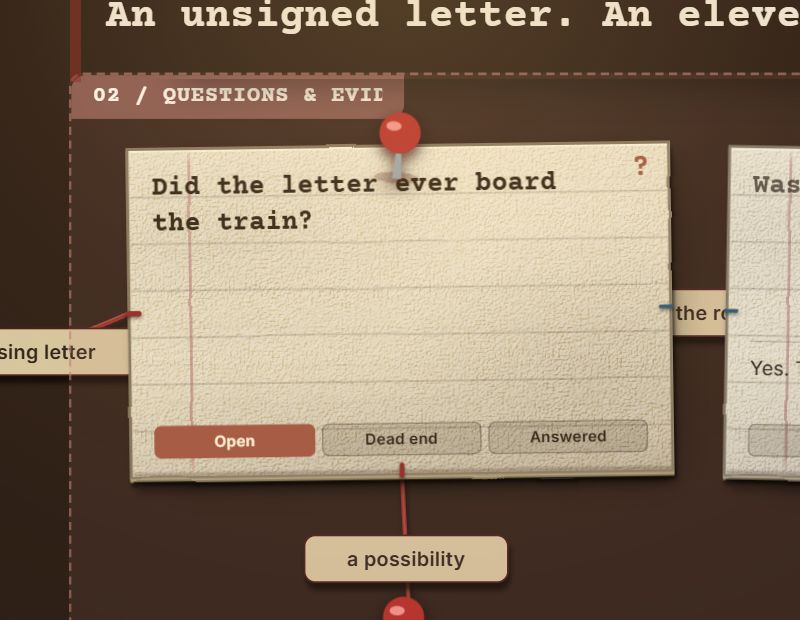
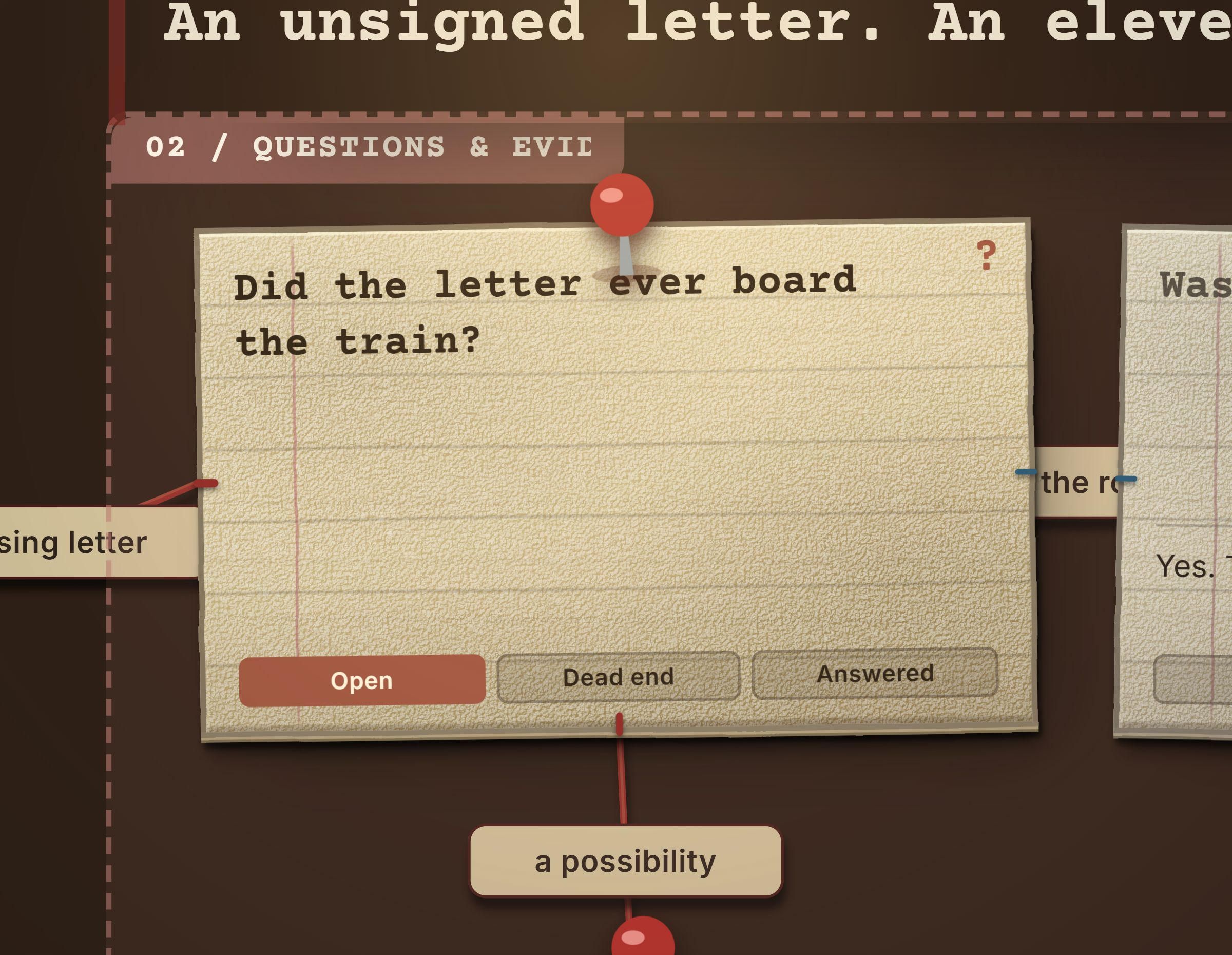
Keep a question open, mark it answered, or record why it became a dead end — watch it below.

Folder shortcut / Case 001
05 / CARD

Folder shortcut

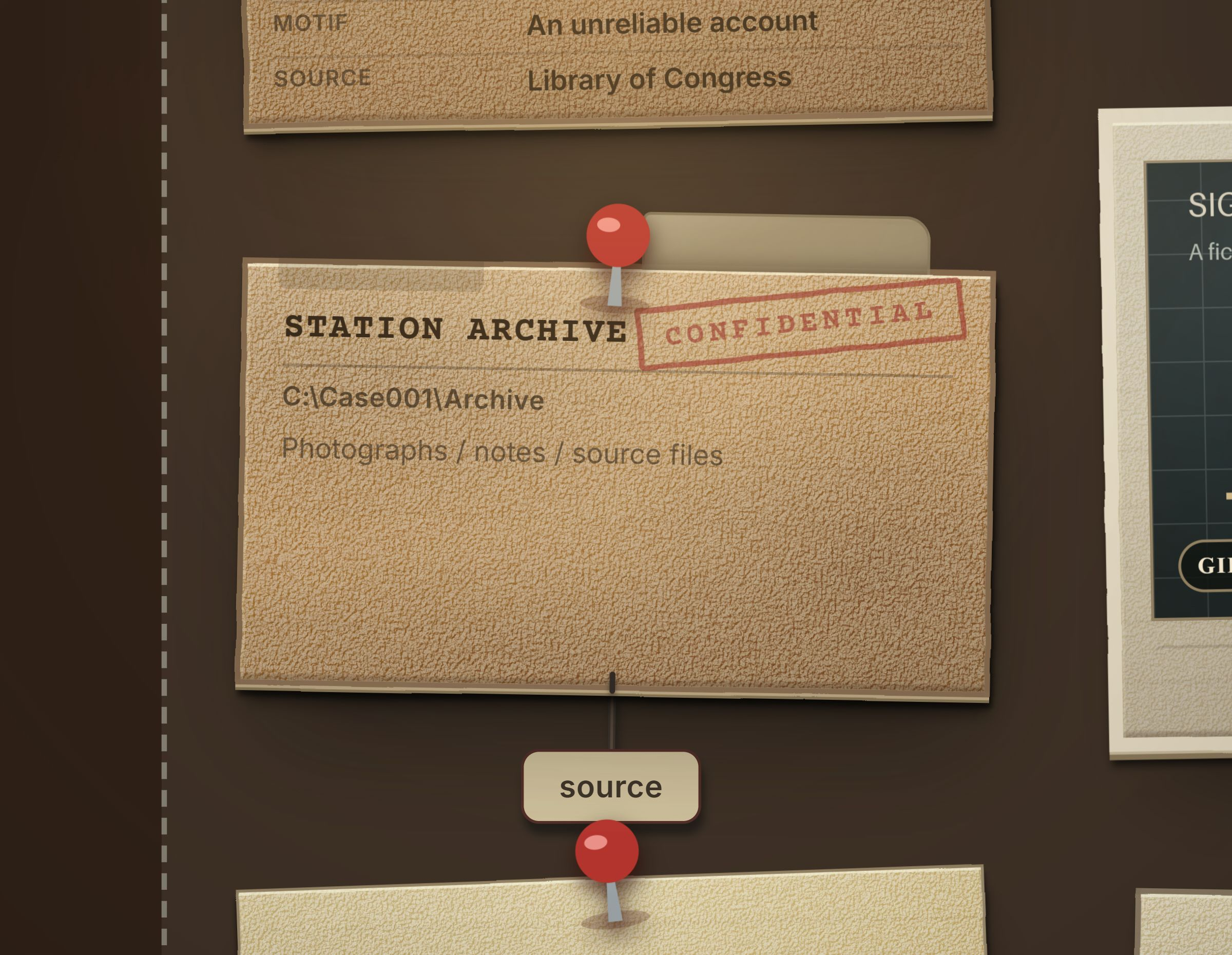
A physical-looking case file that points to a folder on your computer.

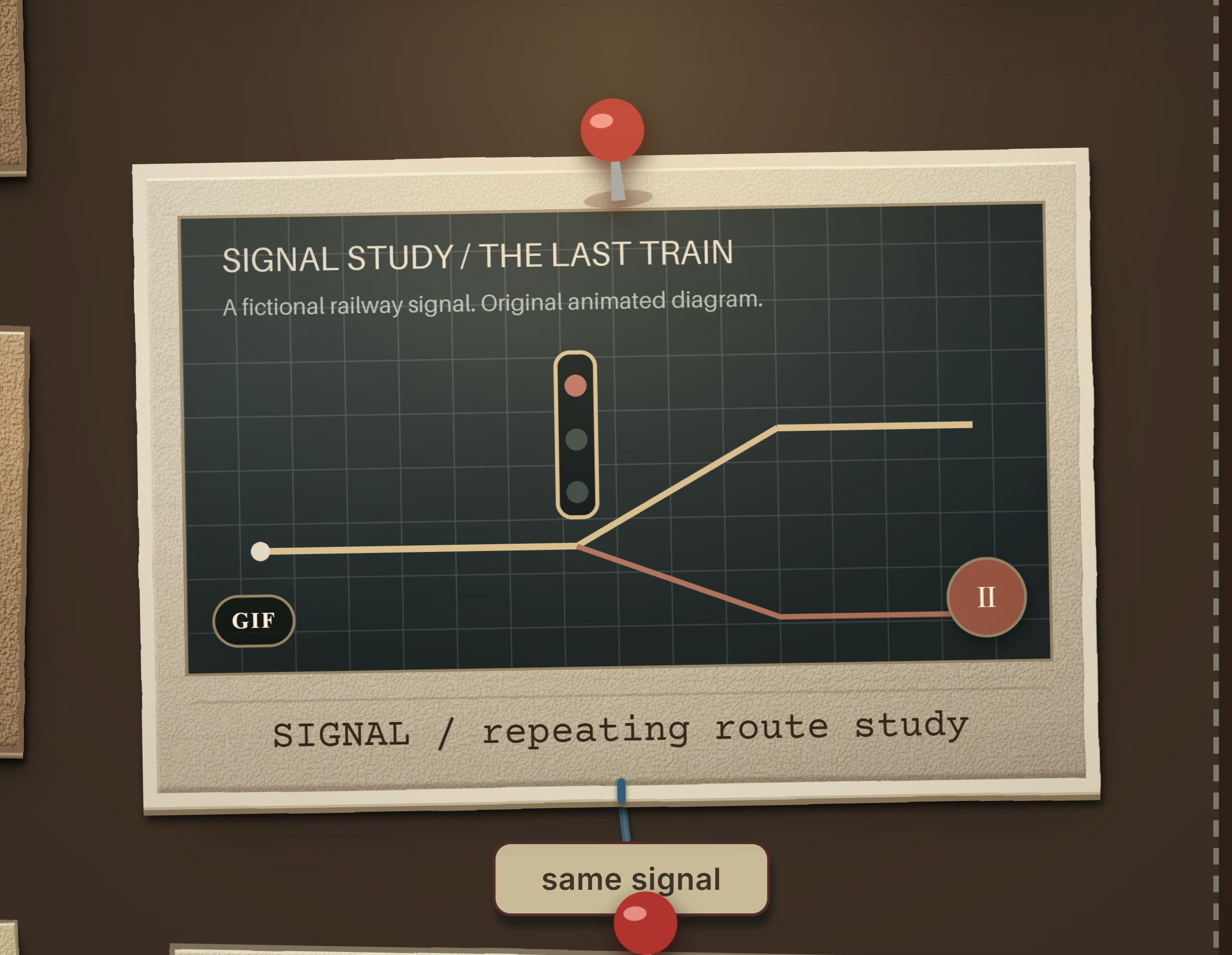
Animated GIF / Case 001
06 / CARD

Animated GIF

A looping visual study stays animated on the board, with a caption.

Audio / Case 001
07 / CARD

Audio

Local sound files with playback controls, a title and a loop option.

Local video / Case 001
08 / CARD

Local video

Keep a clip inside its own card; load it deliberately, play it and optionally loop it.

Document / Case 001
09 / CARD

Document

A titled file card keeps the source document one action away.

Web link / video embed / Case 001
10 / CARD

Web link / video embed

Source previews and supported provider video embeds share the same URL-card family.

Calendar event / Case 001
11 / CARD

Calendar event

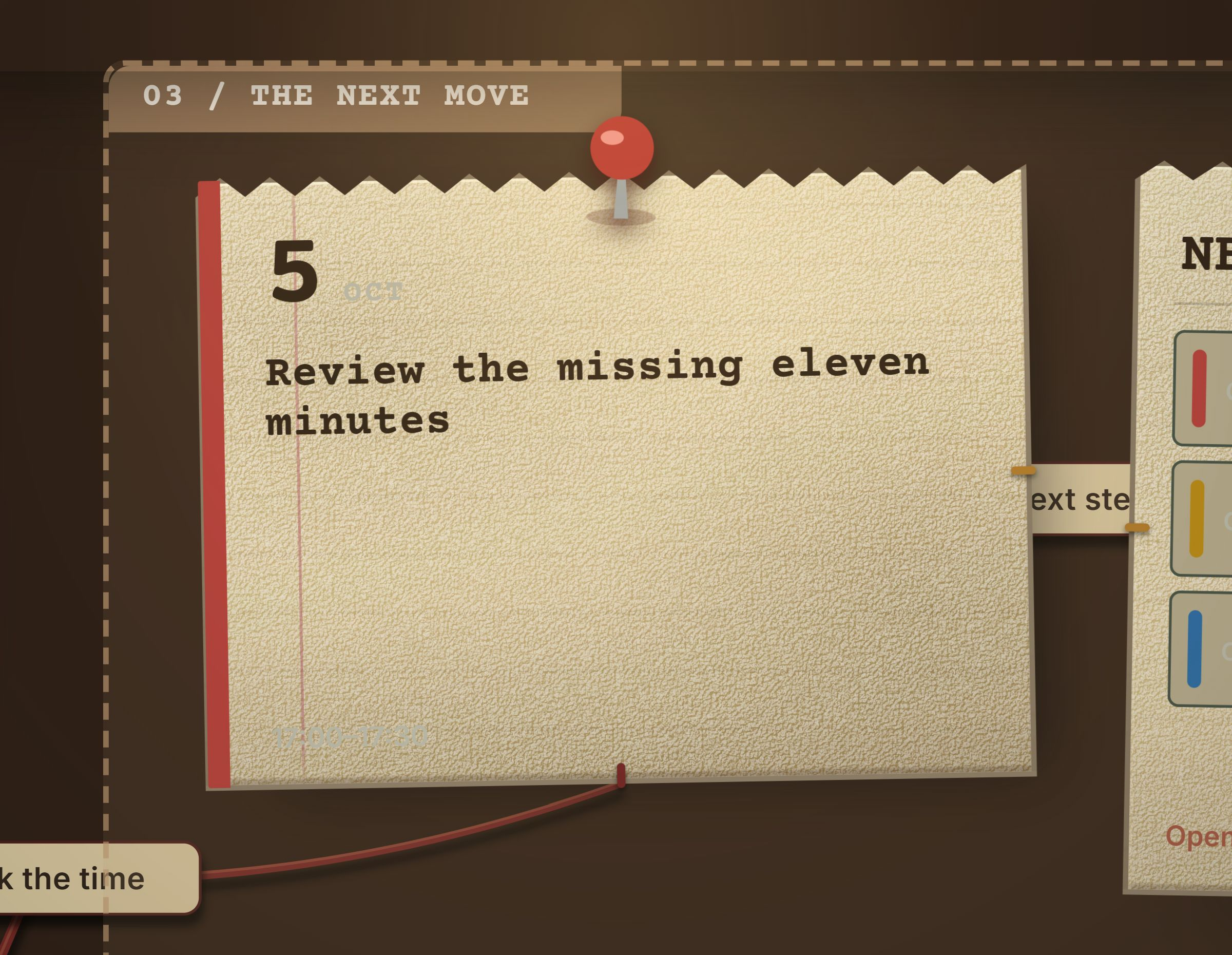
A dated event with a time, notes and a link back to the calendar.

Agenda / Case 001
12 / CARD

Agenda

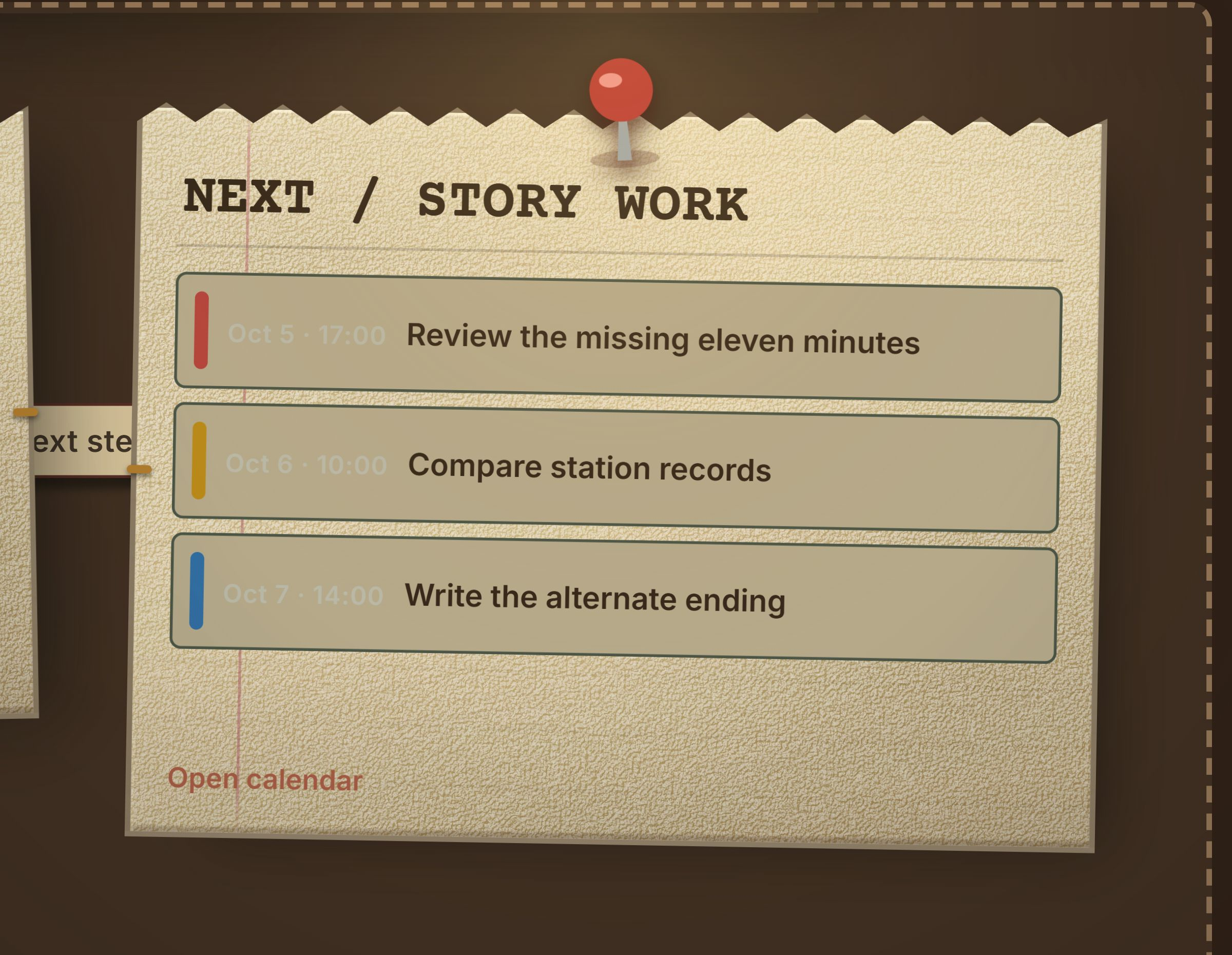
Upcoming events collected into a live list on the board.

Freehand sketch / Case 001
13 / CARD

Freehand sketch

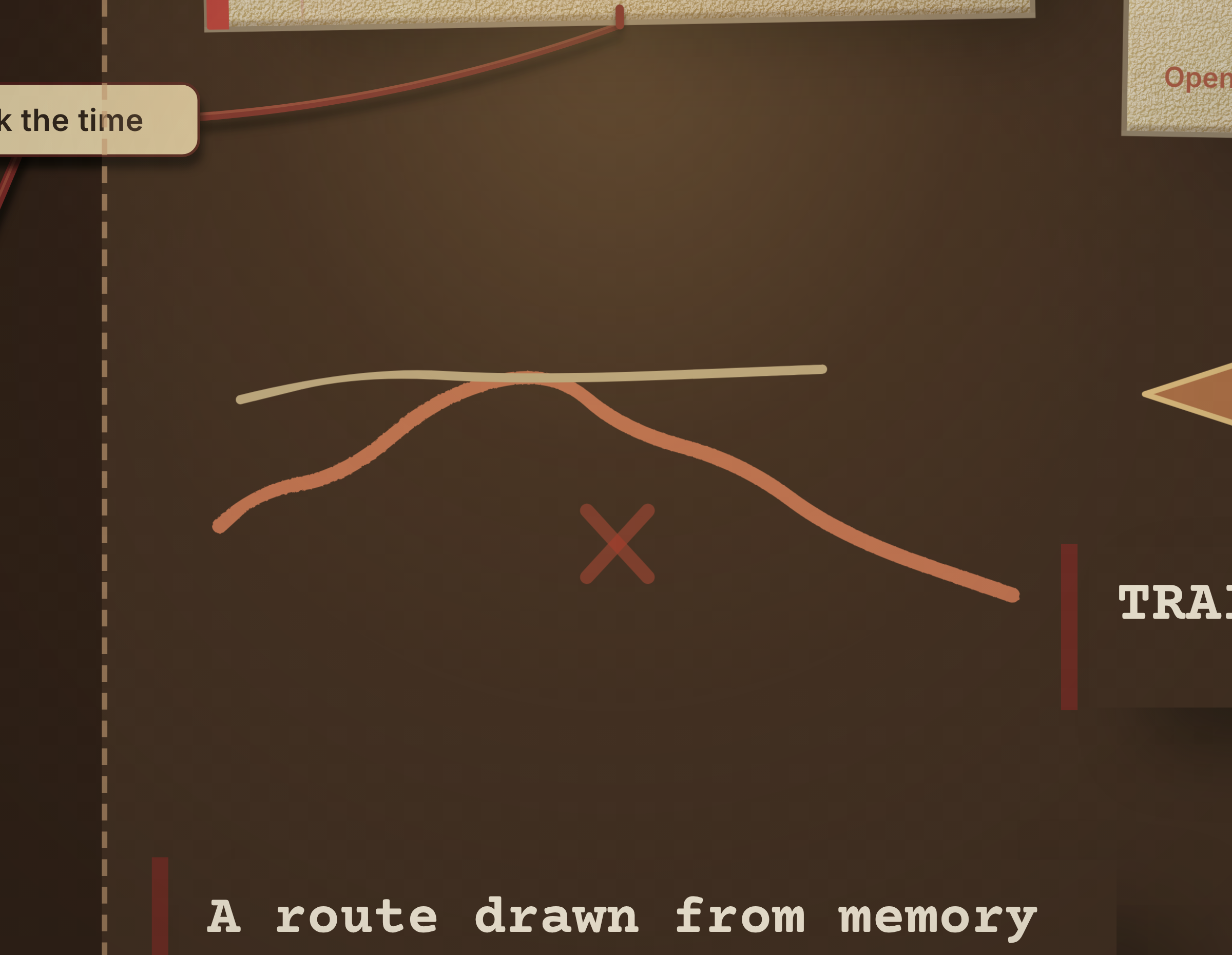
Draw directly on the board with ballpoint, ink, marker or pencil tools.

Heading / Case 001
14 / BOARD ELEMENT

Heading

A standalone title gives a section or an entire story its name.

Region / Case 001
15 / BOARD ELEMENT

Region

A named area groups related pieces; moving it carries the cards inside.

Shape / Case 001
16 / BOARD ELEMENT

Shape

Rectangles, triangles and arrows clarify a route or emphasize a relationship.

QUESTION CARDS / THREE STATES

A question stays open, gets answered, or hits a dead end.

The three buttons at the bottom of a question card set its state, and the card changes with it: a field opens for the answer or for why it died, and a dead end is crossed out. Every step can be undone.

Recorded in the actual application · 1920×1080 · no sound
Open

The question is still waiting. This is where every card starts; a “?” sits in the corner.

Answered

A new field appears: write what answered it. The corner mark becomes “✓”.

Dead end

The card is crossed out and you note why it went nowhere. It stays on the board, so you can see what you ruled out.

Open leads filter

The “?” button in the toolbar dims everything except the questions still open.

MORE THAN A STATIC BOARD

Moving images. Real playback. Sources in reach.

GIFs animate on the board. Audio and local video have native playback and loop controls. URL cards can play supported YouTube and Vimeo embeds when the provider allows it; those players need a network connection. Local media remains a separate card type.

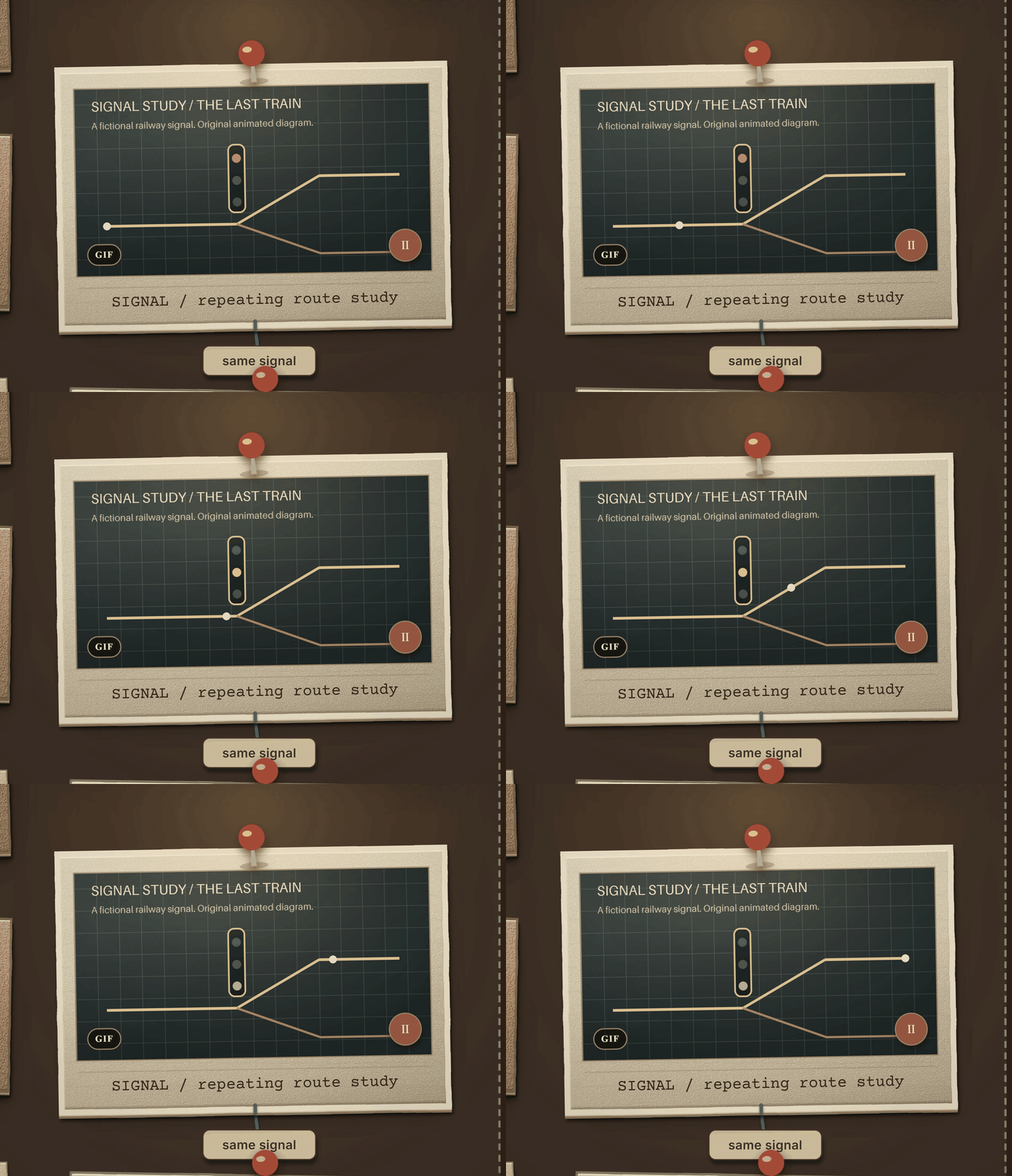
Actual animated GIF card

GIF CARDS / ALWAYS IN MOTION

An image that keeps moving.

A small repeating observation can stay alive beside your notes. GIFs animate directly on the board, with their own caption and material treatment.

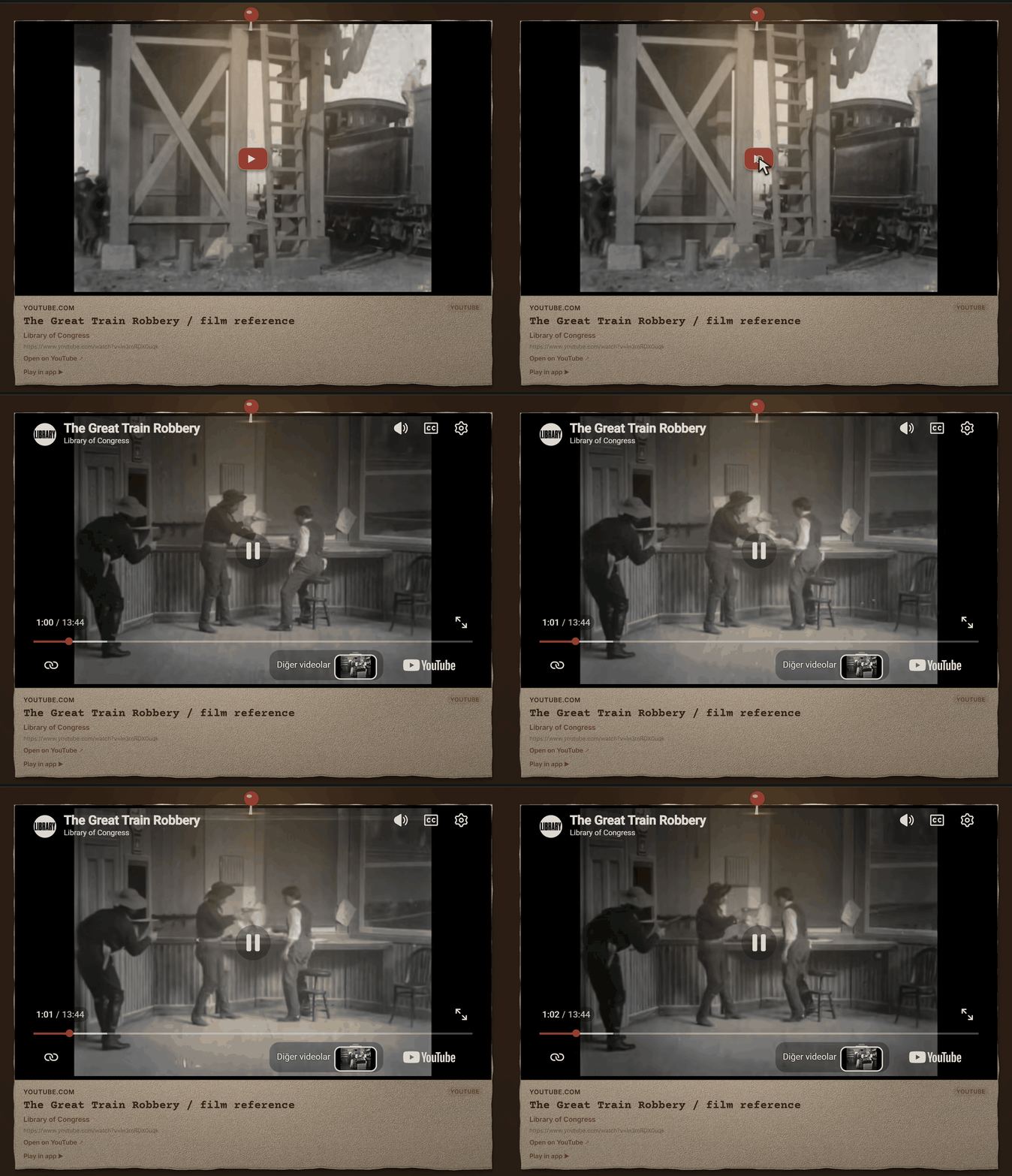
Pointer approaches the actual video card, clicks play, and the YouTube player opens inside it

VIDEO EMBEDS / URL CARDS

Click the card. Stay with the story.

Watch the pointer approach the video card: one click opens the YouTube player inside the same card. Its source, title and original link remain in view. Supported YouTube and Vimeo embeds need a network connection; local video cards keep files from your computer.

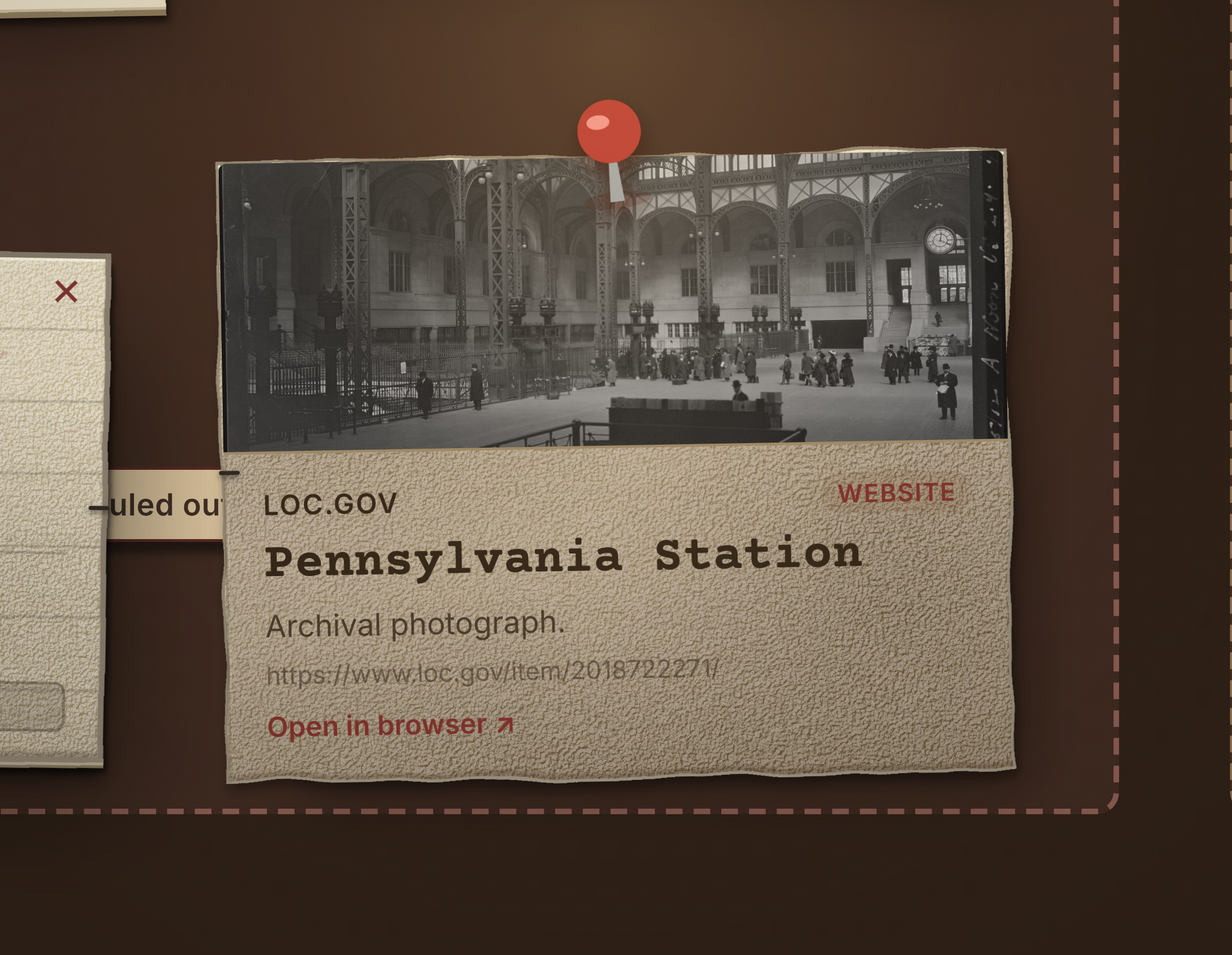
Original Library of Congress reference ↗

VIEW MODES

The same board, seen different ways.

You don’t have to clear a crowded board to think on it. These modes change only what is emphasised; cards, strings and positions stay exactly where they are.

Recorded in the actual application · 1920×1080 · no sound

Focus mode

Select a card and focus (F): only that card and what it connects to stay bright. Switch to “2” to include the connections of its connections.

Open leads

Everything except unanswered questions fades back, so what is still unresolved stands out.

Time scrubber

Wind the board back: anything added after the date you pick fades. “Now” returns to the present.

Tag filter

Pick one or more tags and the cards without them step back.

Search

Ctrl+F searches titles, notes, captions, links and filenames — on this board or across all boards.

Full screen

F11 hides the window frame and system bars, leaving only the board.

NOT EVERY BOARD HAS TO BE A CASE FILE.

01

The story behind the story

Connect characters, scenes and hidden secrets. Watch the world of a novel or game grow before you.

02

Follow your curiosity

Study sources, images and your own notes together. Notice which piece is still missing.

03

An idea without a name yet

A moodboard, a personal project, a tangled thought. You don’t need the whole plan to place the first card.

02 / AMONG TOOLS FOR THINKING

Where Corkboard sits, and why.

Twenty-four tools that put notes on a board, from direct corkboard and detective-board rivals to broad whiteboards. Twelve checks place every product, so the map and the table below always agree.

How to read it: each axis adds up six checks — 1 when a product documents it, ½ when only partly — so every score runs from 0 to 6. A product sits in the column and row of its whole score (4½ sits with 4), and its exact scores are printed under its name. The two bars beneath each name show its structure and expression totals on the same 0–6 scale. Individual checks are listed in the table.

Structure for reasoning →0–6 checks: connections · people · status · dates · variety · views
6
Structure first
Structure + expression
5
4
3
2
1
0
0123456
Expression on the board →0–6 checks: audio/video · freehand drawing · themes · typefaces · card material · living strings
Desktop app, files on your computerBrowser or account-basedS: StructureE: Expression

Select a name or a row to compare.

This product

Corkboard

Runs on
Windows (first release)
Data
Desktop app, files on your computer
Price
Free

Structure6 / 6

Expression6 / 6

Where it leads. A personal case desk: many kinds of cards, materials and threads in one local board.

See the 16 card types ↓

Where Corkboard makes its case

Sixteen kinds of card

People dossiers, questions with three states, audio, video, GIFs, documents, folders, calendar events, a live agenda, sketches, headings, regions and shapes — each with its own job.

Strings that behave like string

Slack and sag you can set, threads that settle when a card moves, labels, direction and a pin to route one around another idea.

Views for thinking

Focus on one card and its connections one or two steps out, scrub the board back in time, or dim everything except open questions or a tag.

A desk with character

Five built-in themes and 16 importable editions in this gallery, with paper, edge, fastener and typeface chosen card by card.

For real-time team workshops, a shared whiteboard may fit better. For a deep note archive or structured knowledge system, a knowledge-focused tool may fit better. Corkboard is being prepared for release; the examples here show its current implementation, not a claim of feature parity.

Twenty-four tools, twelve checks

Method. Checked on 5 October 2026 against each product’s official site, help centre, store page or repository (linked in the table). A check scores 1 when documented, ½ when partial, 0 when we did not find it — which is not proof that it is missing. Card variety: 1 for ten or more distinct item types, ½ for five to nine. Focus & time views: 1 for focusing on an item’s connections or a time view of the board, ½ for filters or presentation modes. Living strings: 1 for documented slack, sag or physics, ½ for a string look or bendable connectors. Physical material counts paper, edges, fasteners and borders, never colour or fonts. The checks describe what Corkboard is designed around; they do not measure collaboration, AI, mobile apps or knowledge management, where several of these products lead. Prices are as listed on the day.

documented partly not found on the official pages checked
ProductRuns onPriceStructureExpressionScoreWhere it leads
Labelled connectionsPeople / entity cardsQuestion or evidence statusDates on the boardCard variety (10+ types)Focus & time viewsAudio / video plays on the boardFreehand drawingSelectable board themesTypefaces per cardPhysical card materialLiving strings (slack, physics)S /6E /6
CorkboardWindows (first release)Desktop app, files on your computerFree80-character labelsperson dossiersopen · answered · dead endevent & agenda cards16 card & object typesfocus · time · tags · open leadsaudio, video, GIF, embeds4 pen types5 built-in + 16 importable editions5 bundled fonts + local10 papers, 6 edges, 13 fastenersslack, sag & settle, routing pin66A personal case desk: many kinds of cards, materials and threads in one local board.
Detective & corkboard apps
RedstringsOfficial source ↗Windows 11 · macOSDesktop app, files on your computerFree · Pro $19.99 oncewith directionPerson, Place, Event…confidence levelsEvent cards11 node & decoration typesDark + 4 in Protape & paper decorationssag slider4.52.5Evidence rigour: sources on cards, confidence on strings, Markdown reports, AI analysis and an MCP server.
RedString HQOfficial source ↗WebBrowser or account-based3 boards freePerson / Character cardsTimeline / Milestone cardstimeline view4 board themesred string look31.5Shared boards with invited collaborators, public boards and PNG export.
detectiveboard.ioOfficial source ↗WebBrowser or account-basedFree to startred string look00.5Instant browser boards, public sharing and a community of open boards.
BordiOfficial source ↗macOS · WindowsDesktop app, files on your computer$1.99 once (Mac)images and videosadjustable backgroundnote fontpins“realistic” strings02.5A transparent board that floats above other apps, at a very low price.
CRKBRDOfficial source ↗Windows · macOS · Linux · webDesktop app, files on your computerPay what you wantpin to lockdangling strings01Free, cross-platform and simple, with JSON import and export.
CorkOfficial source ↗macOS 14+ (menu bar)Desktop app, files on your computerFreechecklists6 item typesboard themesper-card fontred string12An instant menu-bar corkboard, one shortcut away, fully local.
BoardOnOfficial source ↗iPhone · iPad · Mac · Vision ProDesktop app, files on your computer$34.99/year · $44.99 lifetimechecklistsreminders6 item typespinsstrings1.51A simple on-device corkboard with pins, strings and a Home Screen widget.
SousaOfficial source ↗Web · WindowsDesktop app, files on your computerFree, open sourcelabelled relationshipsperson cards by role20An open-source investigation board: people, evidence and memos saved as JSON.
CorkulousOfficial source ↗iOS · iPadOS · macOSDesktop app, files on your computer$14.99/year · $39.99 lifetimetext arrow itemscontact cardstask checkliststask deadlines16 item typesaudio & videosketches, Pencilbackground tilesfonts changeablestrings with pins3.53.5The closest classic corkboard: 18 item types, nested boards and iCloud sync on Apple devices.
Wider visual-thinking tools
ScappleOfficial source ↗macOS · WindowsDesktop app, files on your computerOne-time licenceselect connected notesper-note fontborder shapes, shadows0.52Very fast free-form notes and links; works alongside Scrivener.
Obsidian CanvasOfficial source ↗Desktop & mobileDesktop app, files on your computerFreelabels & colours7 node typesvideo, audio, PDF, web pagesapp themes1.51.5A linked note vault underneath, plugins, and the open JSON Canvas file format.
KinopioOfficial source ↗Web · iOSBrowser or account-based100 cards free · $8/monthconnection labels8 item typesfilter fades cardsGIF, YouTube, MP3backgrounds8 header fontscard framesbendable connections24.5Playful spatial notes with real-time collaboration and public spaces.
MilanoteOfficial source ↗Web · desktop · mobileBrowser or account-basedSubscriptionline labels16 item typesvideosketchescurvable lines22.5Creative project templates, sharing and comments for teams.
HeptabaseOfficial source ↗Desktop · mobile · webBrowser or account-basedFrom $8.99/month11 card & object typeshighlight filter, focus modeYouTube as a source1.50.5A visual knowledge base: PDF annotation, bidirectional links and an AI tutor.
Apple FreeformOfficial source ↗Apple devicesBrowser or account-basedIncluded10 item typesscenesvideo, audiofull font pickerborders, rounded cornerscurved connectors1.54Real-time collaboration across Apple devices, scenes and PDF export.
MiroOfficial source ↗Web · desktop · mobileBrowser or account-basedFree plan · per-member planstext on connectors15 item typespresentation framesvideo embedspen20+ fontsshapes & borderscurvable connectors2.54Team workshops at scale: templates, integrations, facilitation and AI.
WallingOfficial source ↗Web · iOS · Mac · WindowsBrowser or account-basedFree · $59.99/yearmark completedue dates, calendar7 item typescalendar view, filterswall background2.50.5Walls of bricks with board, table, list and calendar views for planning.
ScrintalOfficial source ↗Web · Mac · WindowsBrowser or account-basedFree · Pro subscription5 item typesvideo & audio on cards0.51A research canvas where cards are linked documents, read beside PDFs.
CapacitiesOfficial source ↗Desktop · mobile · webBrowser or account-basedFree · Pro $9.99/monthPerson object typetasks (Pro)daily notes, calendaraudio playback2.51An object-based knowledge base with typed people, books and projects — but no canvas.
FigJamOfficial source ↗Web · desktop · mobileBrowser or account-basedFree · $3/month seatconnector labels15 item typesspotlightvideo on the boardmarker4 fontswashi tape, stickersreshapeable connectors2.54Polished real-time team whiteboarding, tightly tied to Figma.
MuralOfficial source ↗Web · desktop · mobileBrowser or account-basedFree · from $9.99/monthconnector labels12 item typesoutline presentationYouTube playssketchcanvas colourfont choiceshape borders2.53.5Facilitated workshops: timers, private mode, voting and enterprise controls.
ExcalidrawOfficial source ↗WebBrowser or account-basedFree · Plus $6/montharrow labels7 element typesYouTube embedsfree drawcanvas colourfont pickerhand-drawn stylebendable arrows1.54.5Fast open-source sketching with an instantly recognisable hand-drawn look.
tldrawOfficial source ↗WebBrowser or account-basedFreearrow labels12 shape typesvideo & YouTubedraw, highlight4 font stylesdraw dash, fillsarrow bend24A very smooth minimal canvas, also a widely used whiteboard SDK.

03 / A BOARD WITH CHARACTER

The same thought.
Another world.

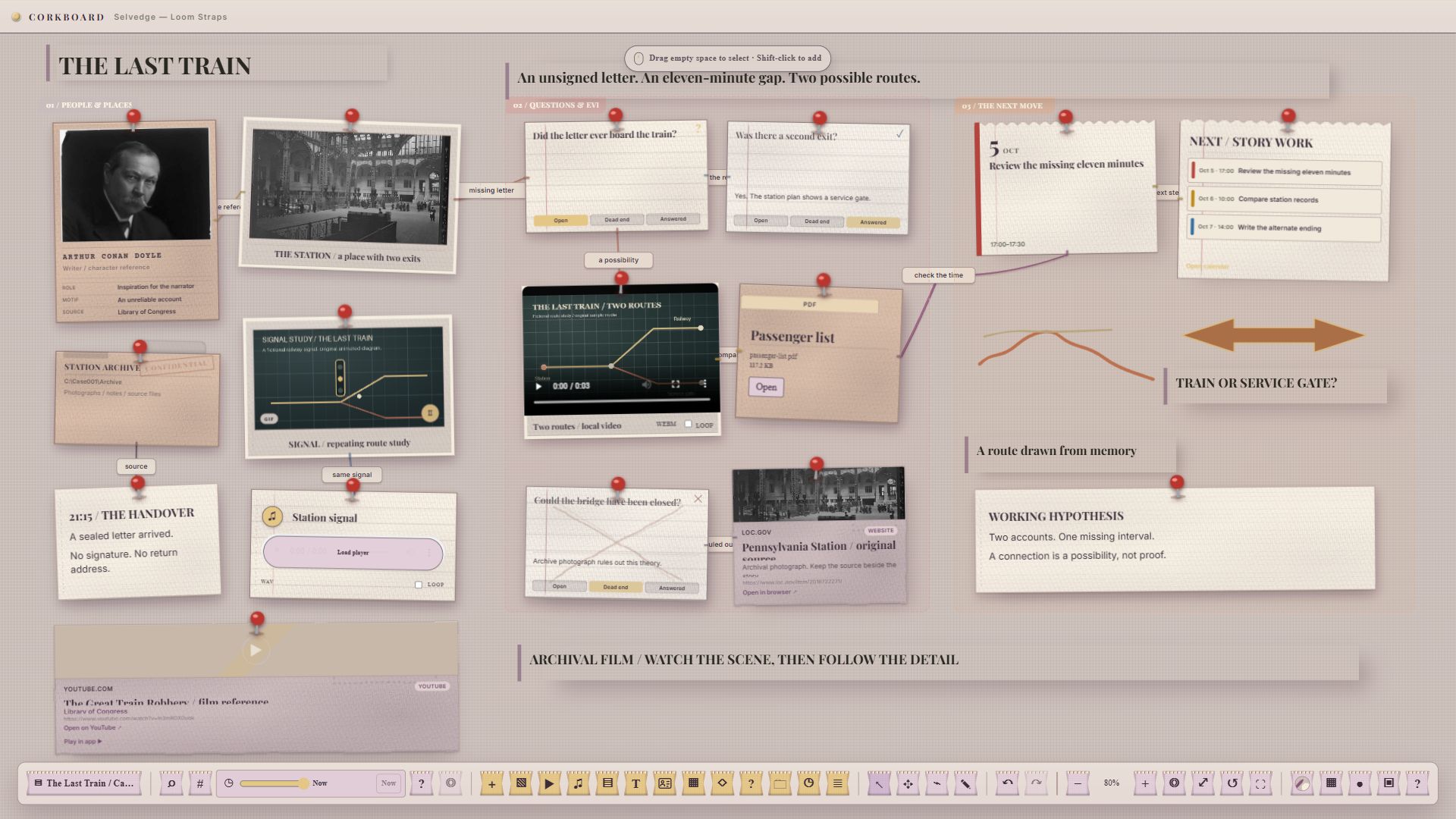
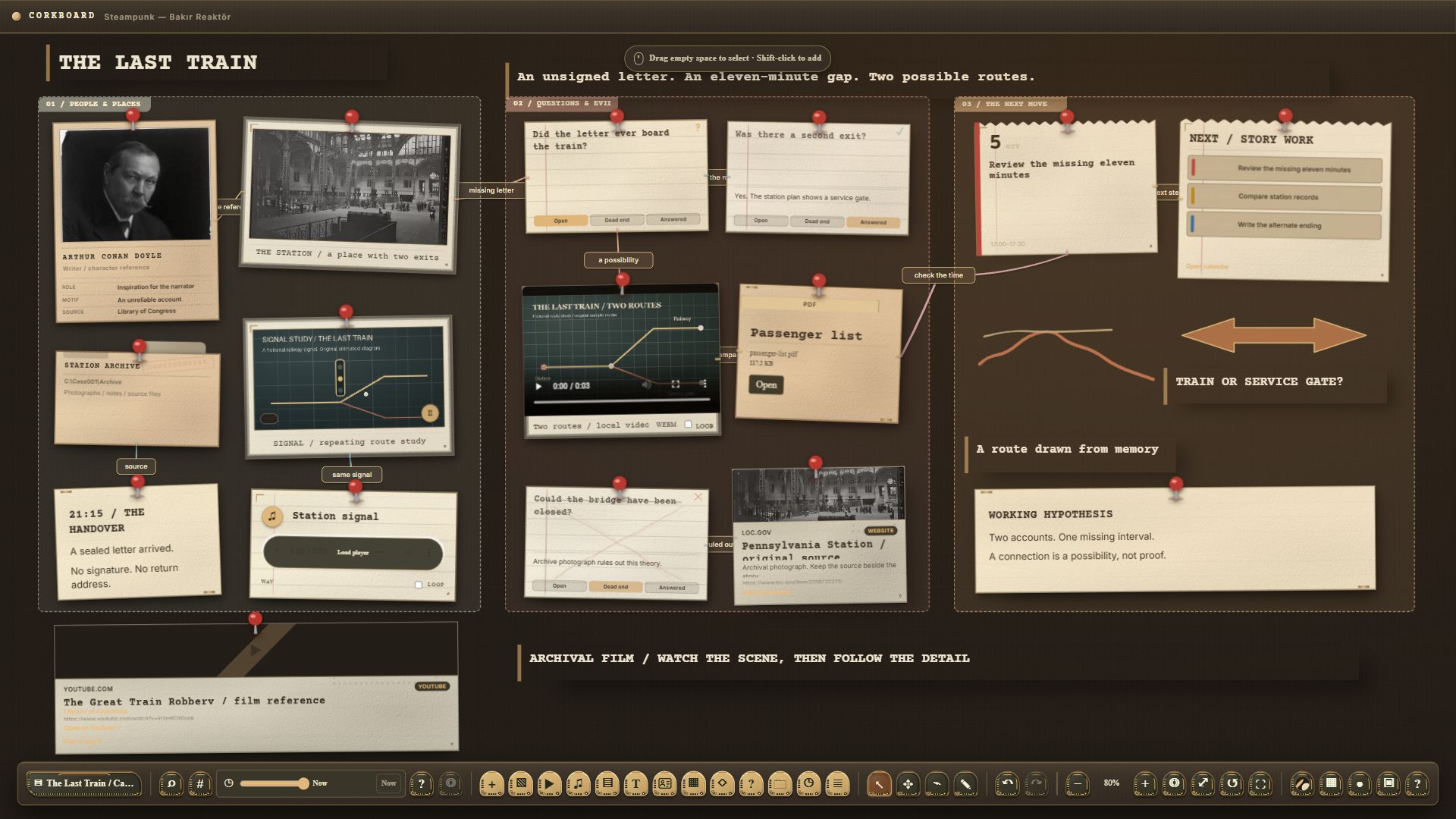
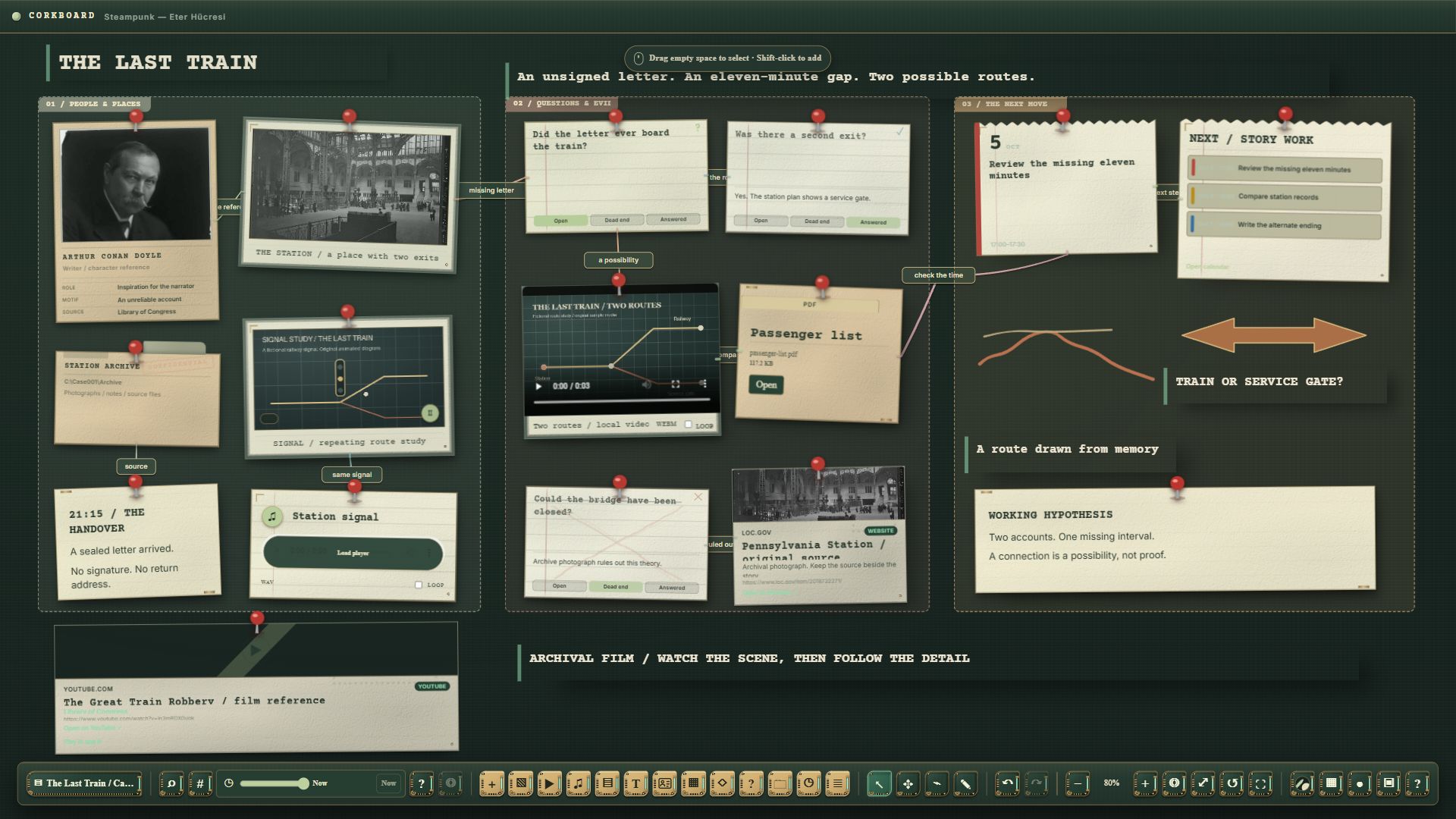
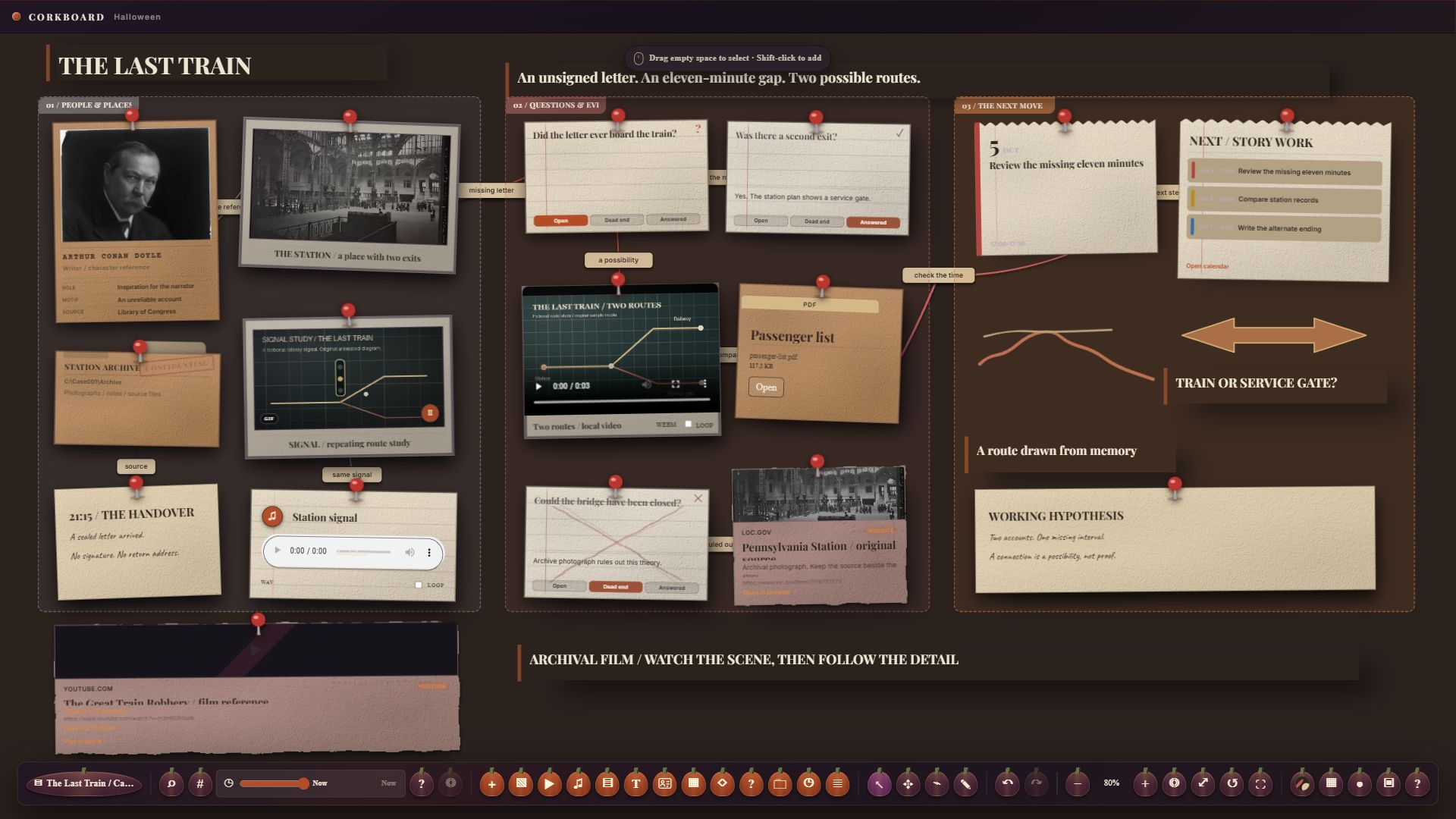
Paper texture, a fastener’s shape, the light, the tool buttons. A theme changes more than the colors; it changes the character of your desk.

21 distinct looks: 5 built-in themes and 16 importable editions

A SENSE OF CRAFT

Look closer at the tools.

A drafting table, a brass mechanism or a lacquer seal. Additional themes give the tools their own material language.

04 / TOOLS THAT KEEP UP WITH YOUR THOUGHTS

An extensive toolset
beneath the surface.

Browse all 16 types ↗
01

Pins, clips and seals

Choose the fastener per card: pushpins, tacks, tape, washi, paperclips, binder clips, clothespins, staples, wax seals or magnets. Finishes range from brass and copper to silver and colored heads.

02

Paper and its edges

Choose sticky, index-card, kraft, onion-skin, ledger, photo-paper, manila, blueprint, newsprint or slate surfaces. Cut, torn, deckled, perforated, rounded and burned edges can change independently.

03

Typography with a voice

A handwritten thought, a typewritten reference and a clean working note can coexist. Use bundled typefaces, text sizes and styles to give each note its own voice.

04

Search and tags

Find a piece by its text or tags without losing the surrounding board.

05

Space, scale and grouping

Move, resize and rotate pieces, arrange related material into regions, and zoom from the whole story to one detail.

06

Questions with an outcome

Open, answered and dead-end leads preserve both the question and what happened to it. An abandoned theory still has a place.

07

Time and planning

Calendar event cards and agendas bring dates onto the board. Calendar import and feed support connect planning with the material you are working on.

08

History and recovery

Undo and redo changes, inspect board history, duplicate a board and import or export it.

09

Materials with character

Different paper surfaces, edges, overlays, fasteners and media treatments give objects a distinct feel. Themes transform the board and crafted tool buttons together.

10

A personal, local workspace

Board data and local media live on your computer. Online source previews, video embeds and calendar feeds are separate network-dependent features.

11

An expressive drawing toolkit

Four pen types and independent shapes complement your cards. Draw a route, circle a clue or mark an uncertainty without turning everything into text.

05 / THE NEXT STEP

Your board.
Your story.

Corkboard will launch free on Windows through the Microsoft Store. Release preparation is underway; the download link will appear here.

NOT RELEASED YET

About the release

Do the images show the actual app?

They use Corkboard’s current renderer, cards and theme files. “The Last Train” is a fictional board made for this website. The gallery is not a working web version of the app.

Will the first release be free?

Yes. Corkboard will launch free. Optional paid features may be introduced later; no price or date has been announced.

Will there be a Mac version?

A macOS edition is being considered for a later stage. There is no announced release date yet.

Can I use my own theme?

The application has a theme import system. The additional appearances gallery also includes v2 designs.

Images and sources

“The Last Train” is a fictional story project. Archival photographs are visual references only; they do not depict testimony or claim a real event.